20
8.6 Protect
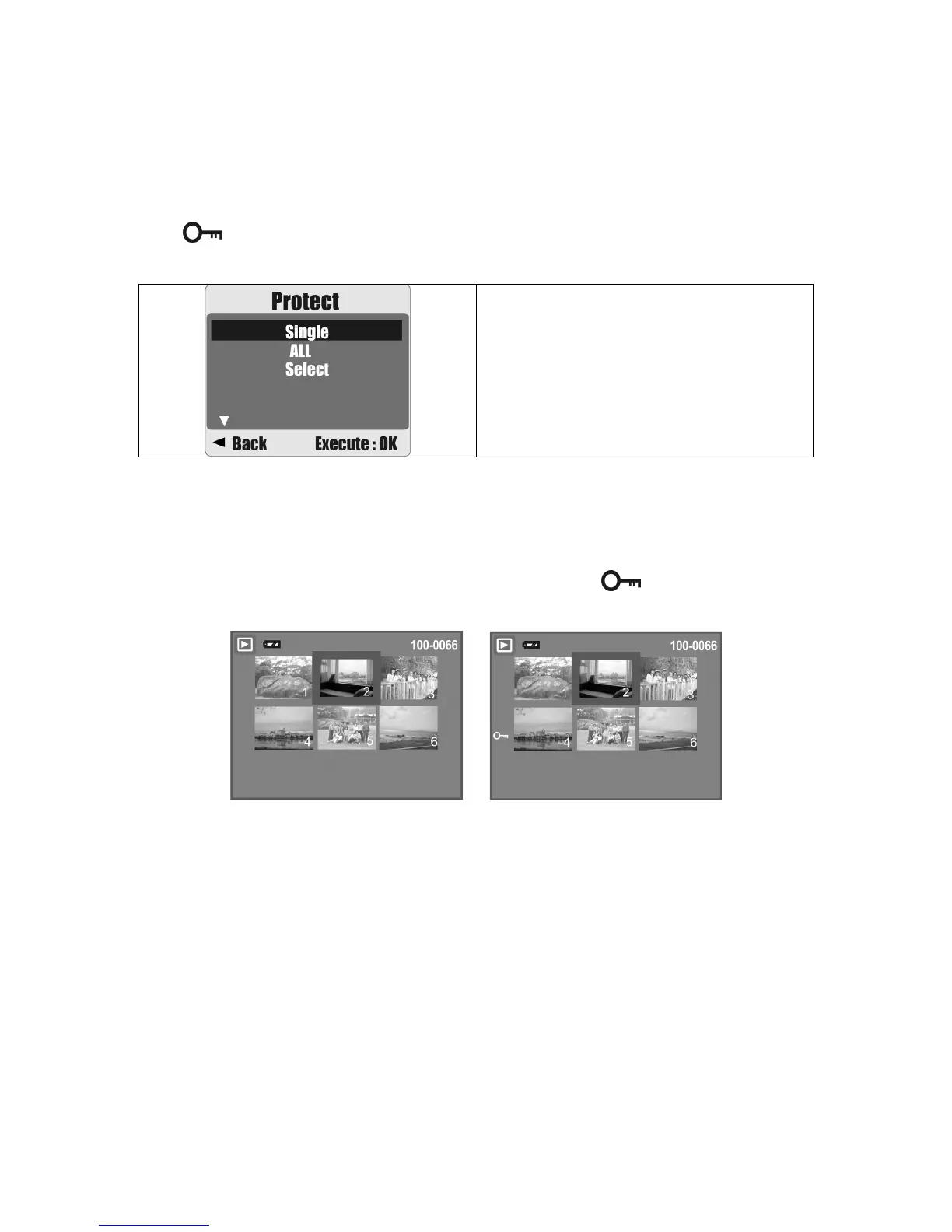
Protecting Selected Image(s)
1. Press the Menu Button. Select "PROTECT" and confirm with the Menu Button.
2. Choose "SELECT" and press the Menu Button.
3. Select your image(s) to protect and press the Menu Button.
(
) will appear on the LCD display when a file is protected.
4. To unprotect a file, press the Menu Button.
Operation Steps
1. MENU
2.
S
or
T
3.
X
4.
S
or
T
5. MENU
Protecting All Images
1. Press the Menu Button. Select "PROTECT" and confirm with the Menu Button.
2. Choose "ALL" and press the Menu Button.
3. Select "EXECUTE" and press the Menu Button to confirm. (
) will appear on the
LCD display when the files are protected.











 To Next Page