21
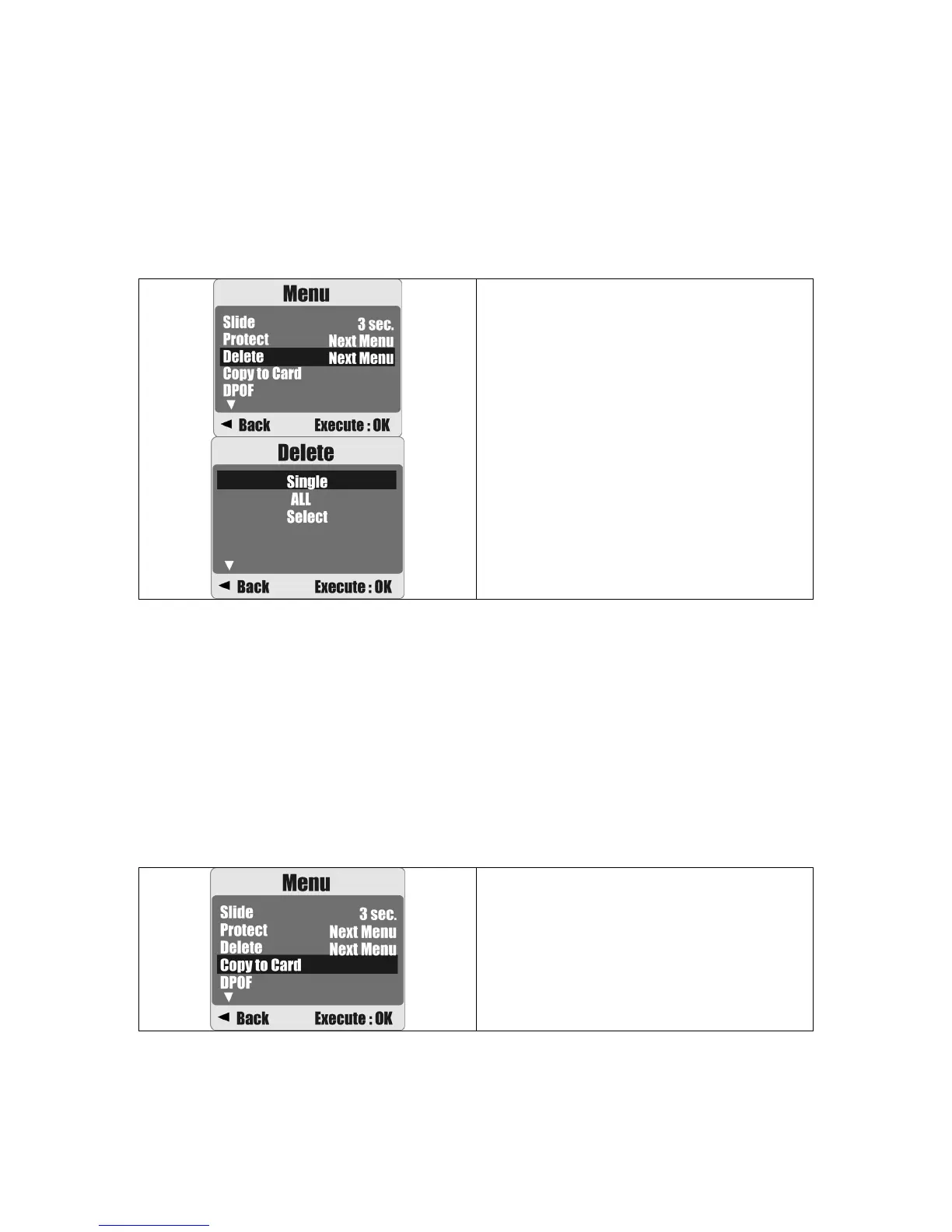
8.7 Delete
Deleting Single Image
1a. Select the image you want to delete and press the Delete / Exposure Button (+/-).
Choose "Execute" and press the Menu Button to confirm or the Left Button to cancel
the request.
1b. Press the Menu Button. Select "Delete" and press the Menu Button. Select "Single"
and press the Menu Button to proceed.
Operation Steps
1. MENU
2.
S
or
T
3.
W
or MENU
Deleting All Image(s)
1. Press the Menu Button and select "Delete" using the Menu Button.
2. Select "ALL" and press the Menu Button to proceed.
Deleting Selected Image
1. Press the Menu Button and select "Delete" using the Menu Button.
2. Choose "Select" and press the Menu Button.
3. Select the image you want to delete and press the Menu Button.
8.8 Copy To Card
This function allows you to copy the images stored in the internal flash memory onto a
memory card.
Operation Steps
1. MENU
2.
S
or
T
3.
W
or MENU











 To Next Page