7
3.0 Getting Started
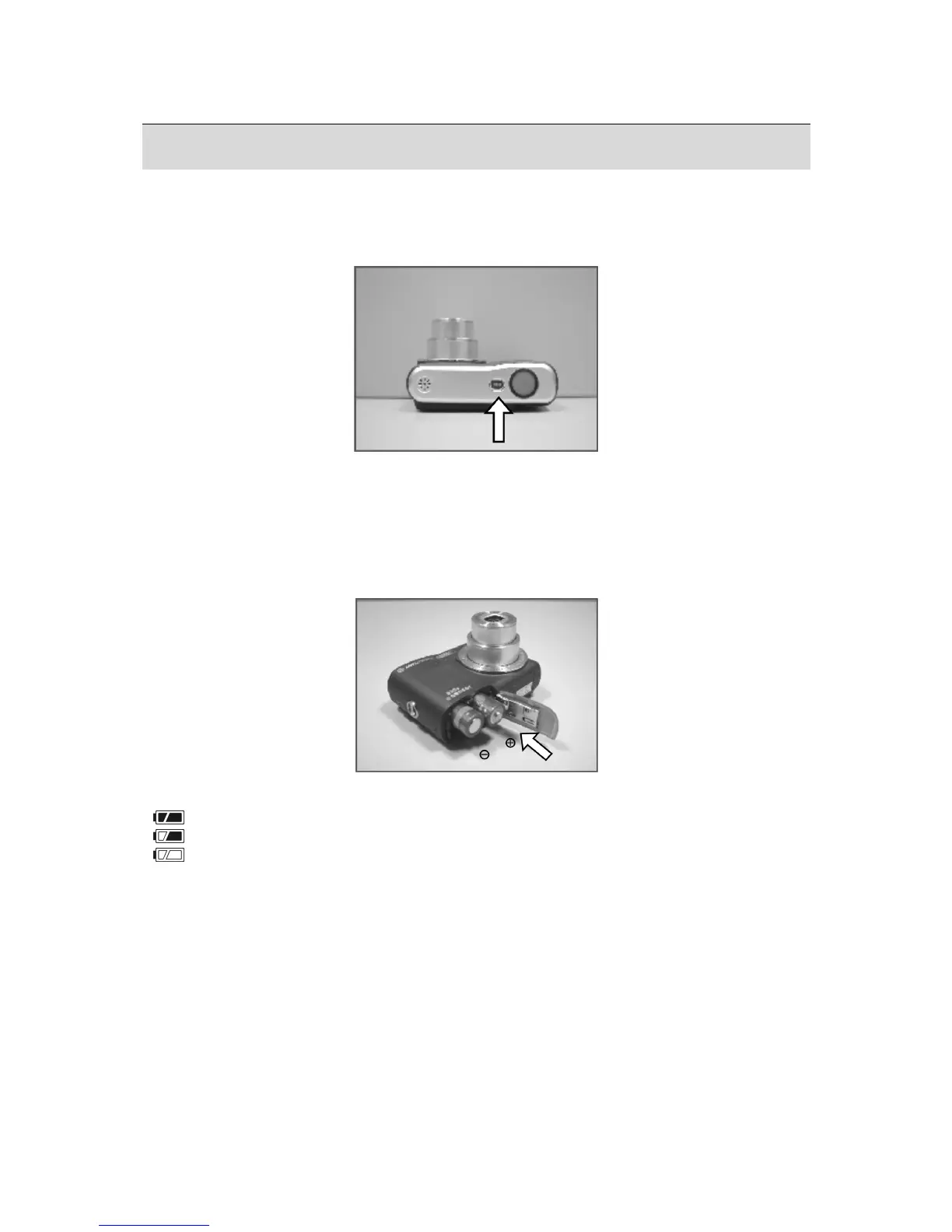
3.1 Turning Power On & Off
• Press the Power Button to turn the camera on.
• Press the Power Button again to turn the camera off.
3.2 Inserting / Removing the Batteries
1. Power off the camera.
2. Slide open the battery compartment cover.
3. Remove the batteries or, respecting the polarity indications, insert them.
4. Close the battery cover.
Battery status indicator.
(
): Batteries full.
(
): Batteries half full.
(
): Batteries empty. Replace with new batteries.
• The batteries will discharge if kept inside the camera for a long time without use.
Remove the batteries when the camera is not in use.
• The batteries may not work normally under 0
o
C or over 40
o
C.











 To Next Page