19
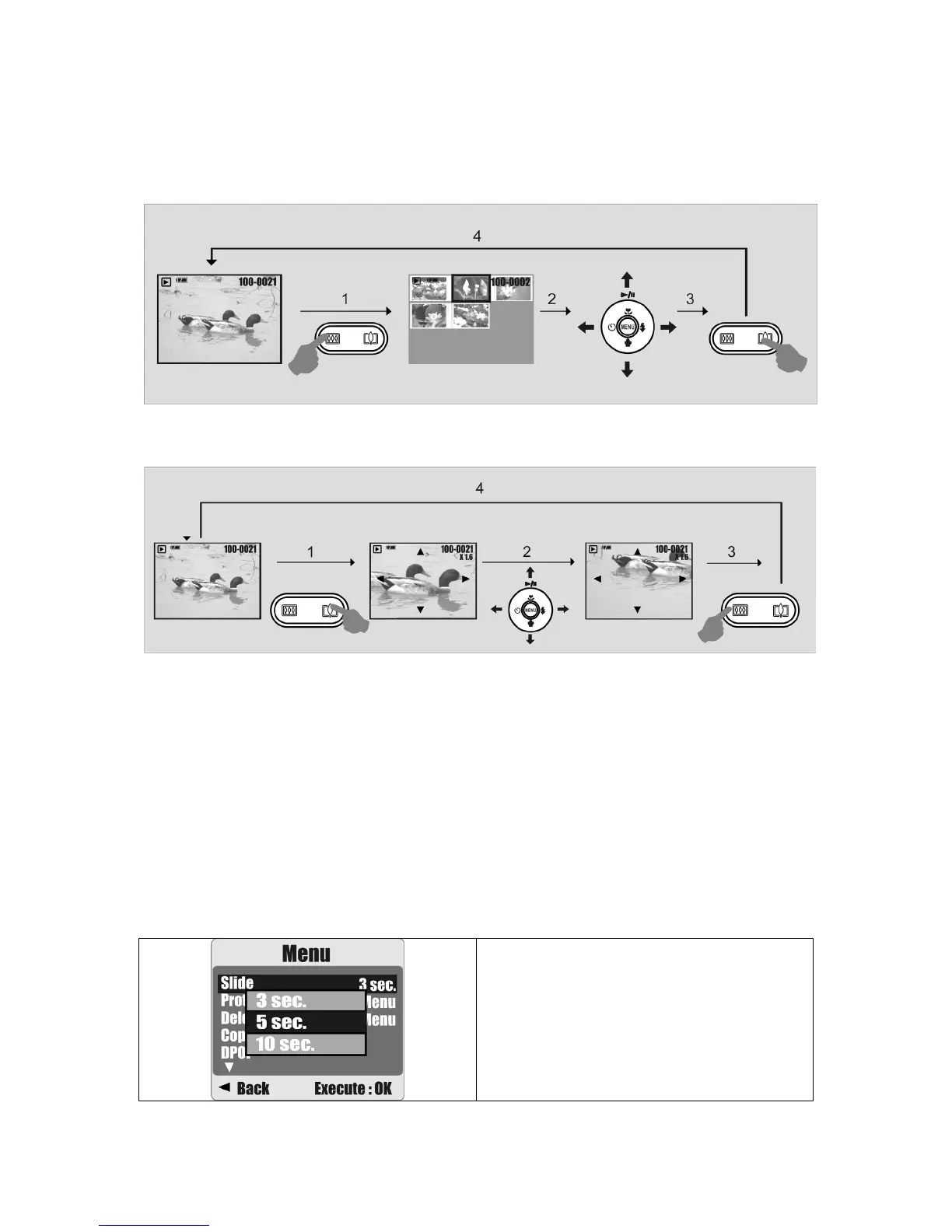
8.3 Thumbnail Display (Small Images)
1. The Thumbnail Display is a convenient tool for finding an image.
2. Press the WIDE Button to view the Thumbnail Display.
8.4 Exploring an Image
1. Press the TELE Button to see an enlargement of the image.
2. Use the TELE/WIDE Button to zoom in or out.
3. Use the UP/DOWN/LEFT/RIGHT Button to move the enlarged section you would like to
view.
4. Press the WIDE Button to return to the original Playback Mode.
8.5 Slide
1. This option allows you to view your photos in a slide show.
2. There are 3 interval options available:
1. 3 sec.
2. 5 sec.
3. 10 sec.
Operation Steps
1. MENU
2.
S
or
T
3. MENU











 To Next Page