14
5.0 Still Image Mode
5.1 Capturing Images
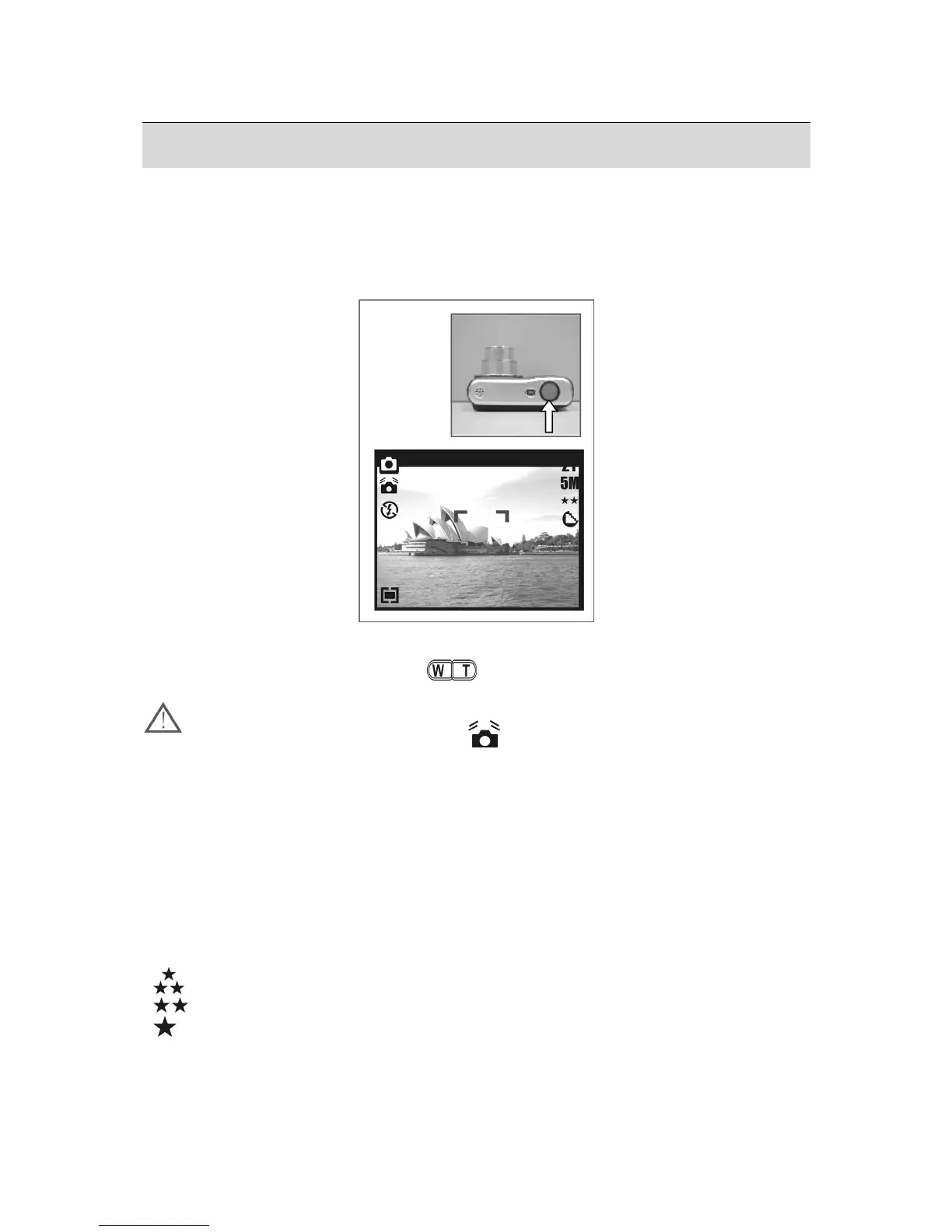
Taking a Picture
1. Press the Power Button to power on the camera.
2. Press the Shutter Button half way to focus.
3. Press the Shutter Button fully to capture the image.
• Using the Zoom
Press T or W on the Zoom Button (
)
It is recommended that you take photos with the camera mounted on a tripod or
other device if the Shaking Hand (
) icon appears.
5.2 Menu Mode
5.2.1 Size (Default: 5M)
This feature allows you to select image resolution.
(12M) 4032 x 3024 ( 3M ) 2048 x 1536
( 5M ) 2560 x 1920 (VGA) 640 x 480
5.2.2 Quality (Default: Fine)
This feature allows you to select image quality.
(
) S. Fine (Super Fine)
(
) Fine
(
) Normal











 To Next Page