18
8.0 Playback Mode
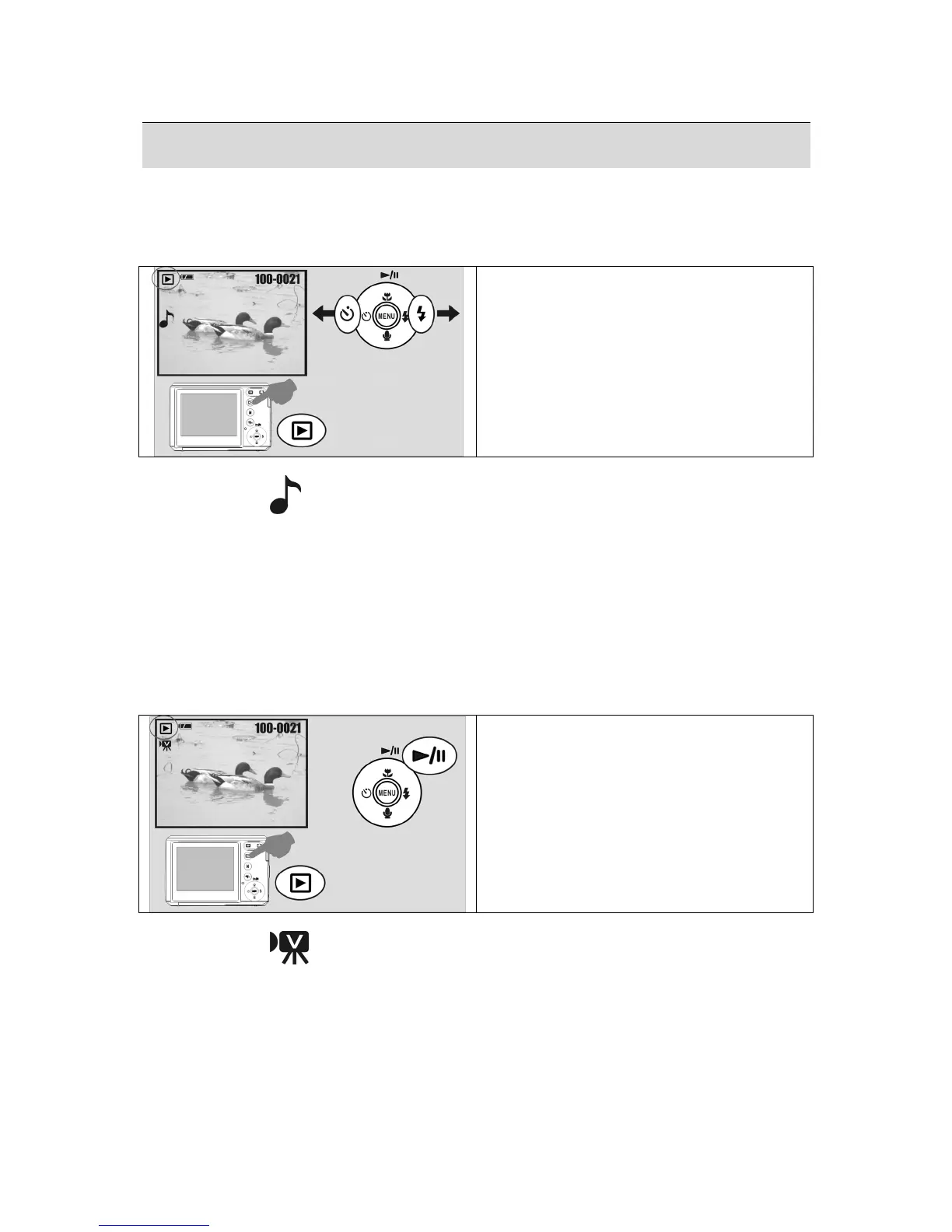
8.1 Playing a Still Image
• Press the Playback Button to view images taken.
• Press the Right or Left Button to go to the next or last image.
Operation Steps
1. Playback Button
2.
W
or
X
Note: The icon (
) appears when viewing a still image with a voice memo.
8.2 Playing Movie Clips
• Press the Playback Button to play the Movie Clips.
• Press the Up Button to start or pause the Movie Clip.
• You can choose a 2X, 4X and 8X fast forward speed by pressing the Menu Button when
playing the Movie Clips.
• When playing back the Movie Clips, press the Left / Self-Timer Button to play backwards
and press the Menu Button to choose the 2X, 4X and 8X backward speed.
Operation Steps
1. Playback Button
2.
W
or
S
Note: The icon (
) in the top left of the LCD display represents a Movie Clip, not a
still image.











 To Next Page