13
Note:
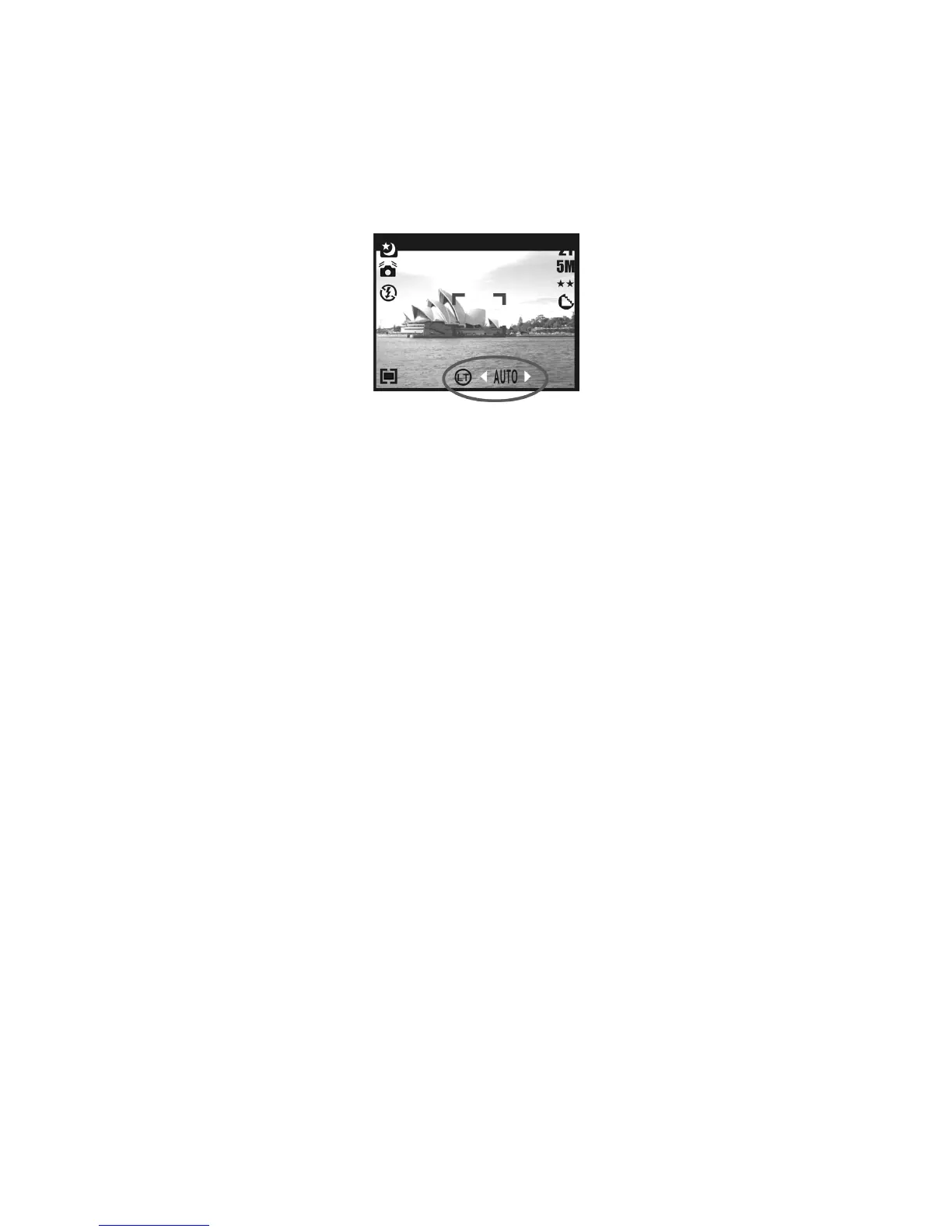
Night Scene Under Shooting Mode
While in Shooting Mode, press Menu Button then go to Scene Mode and select "Night".
Press the Left Button to exit the menu. Press the Down Button, and then press the Left /
Right Button to adjust the Long Exposure Value which ranges through
Auto,1/8,1/4,1/2,1,2,3,4.
Press the Menu Button to confirm the value you select.











 To Next Page