bookmarks will override the ones set previously.
To find saved bookmarks, select “go to bookmark”, found under item “Bookmarks”.
Select “Delete bookmark” to delete it.
How to sort you music or audio books - before copying to the player
Sort by name in computer
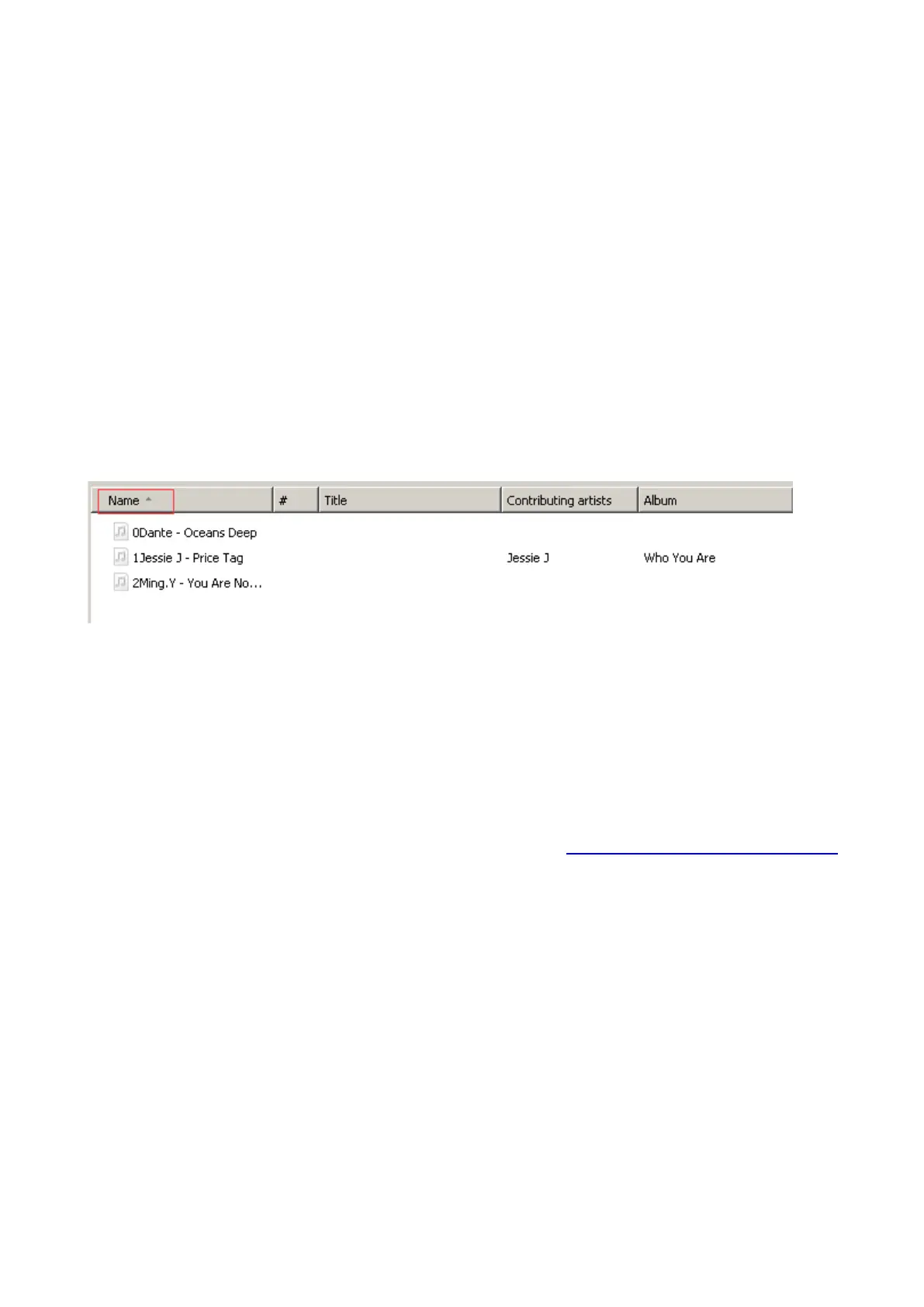
Sort and arrange your music by name on the computer. This will give it the highest
priority. Before copying the files from your computer to the player, please arrange them
in the correct sequence. Sorting is done by name (ASCII) and not by #, as in the sample
below:
If the file order is sorted by name BEFORE you copying them into the player, they would
be right order. To play your newly copied music on the player, open the “Music” folder.
Rename Music Files
If your music is not sort by the right number, use the application “Renamer” to sort your
music by number. Download Renamer on the website (http://renamer.en.softonic.com/
),
and then choose the item “Add folders” or “Add files” to add your music into list. For
more details, please kindly check the link).
15



 To Next Page