3. Press the button to exit from the song screen and press the button to go back to
the main menu.
4. Press the ‘music’ icon and you can see all the tracks on your micro SD card and sorted
by artists, albums and genres.
Note: The 'Music' option can only show music on the internal memory or the card memory
but not a combination of both.
Can I play FLAC, or other music formats?
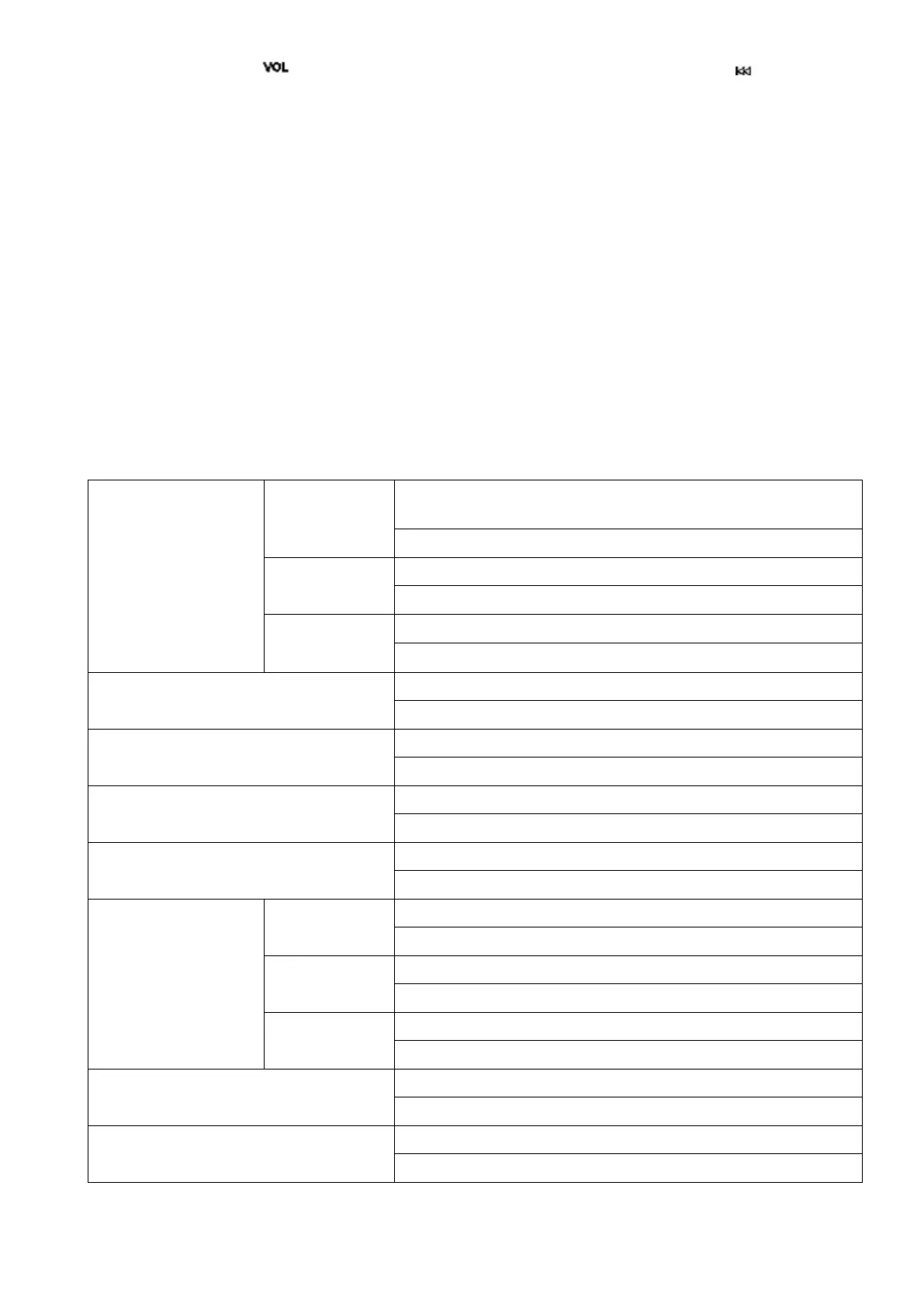
You can play FLAC or other audio formats. However, the music file can only be played
within the ranges listed below:
MP3
Bit rate:32kbps---448kbps
Sampling rate:8KHz---48KHz
Sampling rate:8KHz---48KHz
Sampling rate:8KHz---48KHz
sampling rate:8KHz---48KHz
Bit rate:Q0--Q10(20kbps---499kbps)
sampling rate:8KHz---48KHz
Bit rate: Fast\Normal Compression(800kbps-1000kbps)
sampling rate:8KHz---48KHz
Bit rate:L0--L8(1000kbps-1200kbps)
sampling rate:8KHz---48KHz
WAV
Bit rate:32kbps---384kbps
sampling rate:8KHz---48KHz
Bit rate:32kbps---384kbps
sampling rate:8KHz---48KHz
Bit rate:128kbps---1536kbps
sampling rate:8KHz---48KHz
Bit rate:(8kbps---320kbps)
Sampling rate:8KHz---48KHz
sampling rate:8KHz---16KHz
18



 To Next Page