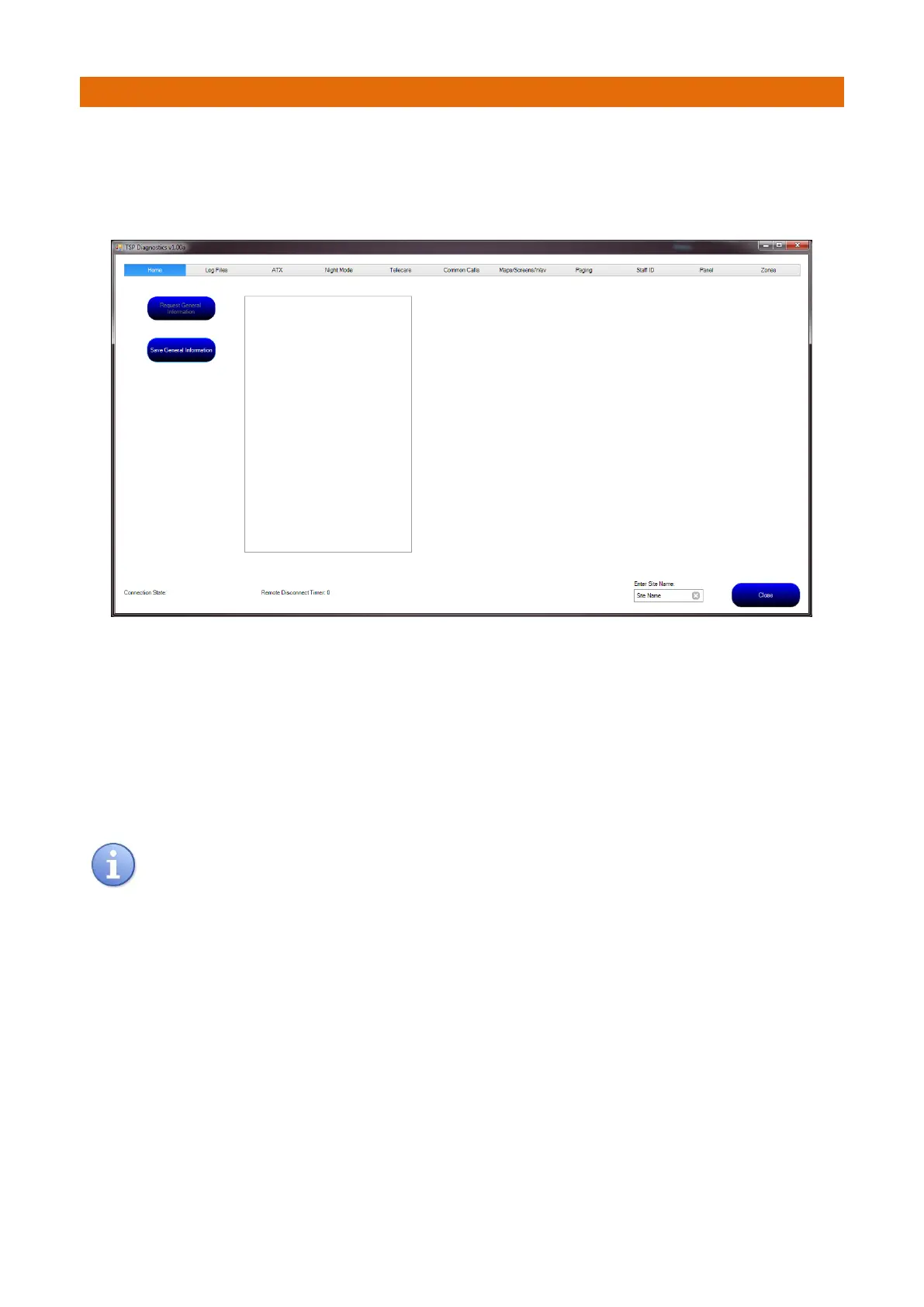
Double Click on the shortcut to run the software, the following application will appear…
Note: the remote Touchsafe Pro panel must be configured to allow the connection and the connection
process must be started by either pressing the “Connect” button at the remote panel or by dialling into the
panel from a mobile phone.
Each of the tabbed pages can be used to collect the required data from the remote panel.
Once the panel has connected, its connection status is shown in the lower left of the application and a
timer will decrement to show the remaining connection time. If no further request to the panel is made,
the timer in the panel will count to zero and begin disconnection from the PC application. If further
requests to the panel are made before the disconnect timeout has lapsed, the timer is refreshed. The
timeout is set to 2 minutes. Once the PC application detects that there is less than 30 seconds of
connection time left, the “Remote Disconnect Timer” will flash between Red and Black text as a warning.
If at any time the Close button is pressed, the remote panel will detect that the IP link between the
two has been broken and will begin the disconnection phase with the GSM modem.



 To Next Page