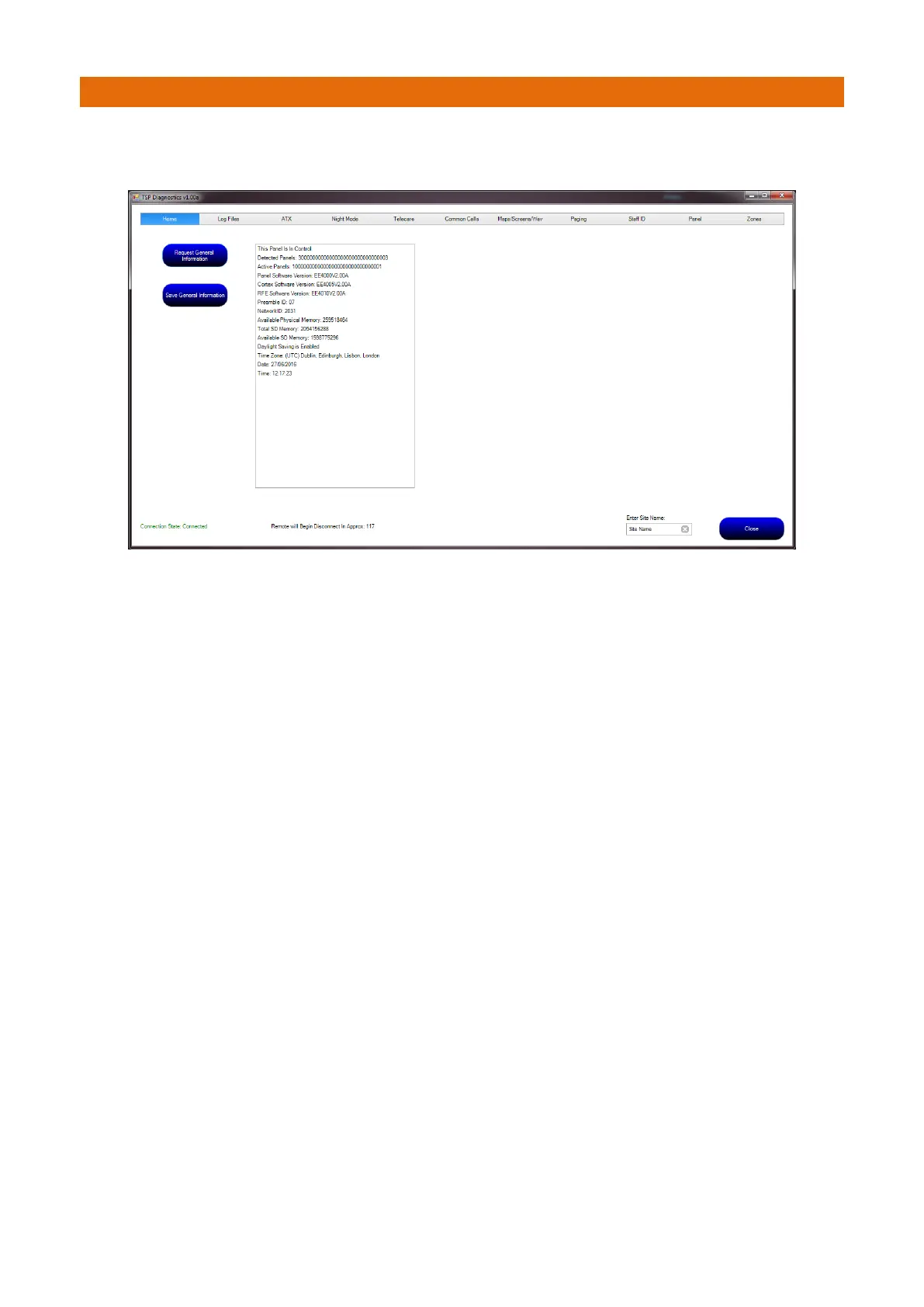
Press the “Request General Information” button to display information relating to the general settings of
the panel such as Date, Time, Network ID, Preamble and software versions of the panel;
Note: this information can be saved at any time for future reference. By default the data will be saved to
C:\Temp\Site Name. The user should edit the bottom right hand corner text box if a specific site name is
required. If the directories do not exist, the application will attempt to create them.



 To Next Page