Doc No. FM5626 issue A Page 7
6. GSM MODEM INSTALLATION
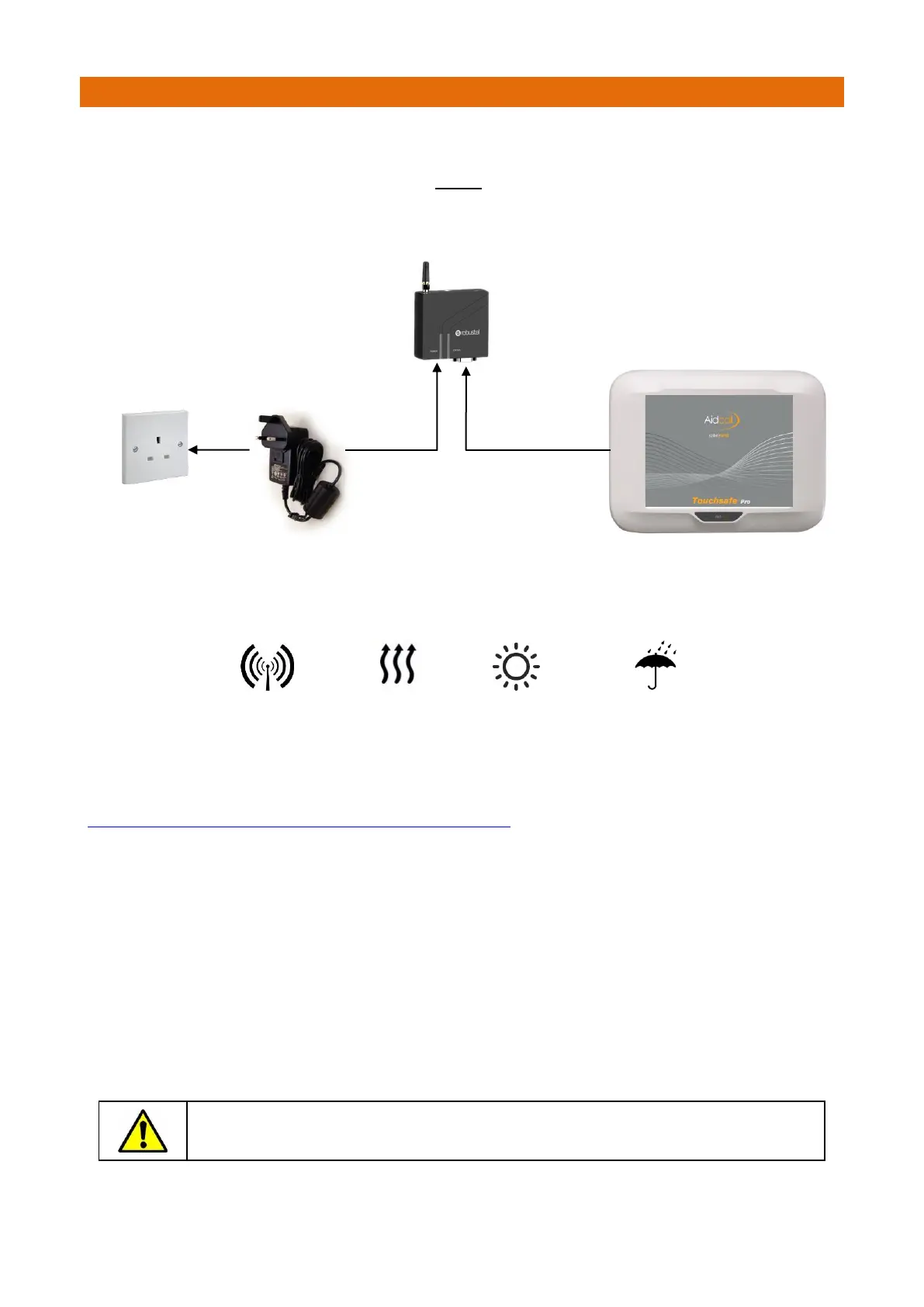
The GSM Modem requires connection to the mains supply via a local un-switched 13A mains socket and a
hardwired data connection to the Touchsafe Pro Master Panel.
The Modem is suitable for indoor locations only – NEVER fit externally.
IMPORTANT: AVOID LOCATING THE MODEM…
WITHIN 2 METRES OF
OTHER ELECTRONIC
EQUIPMENT
For more details refer to the Modem manufacturers user guide which can be downloaded from:
Documentation, User Guides, Product Documents | Robustel
IMPORTANT: construction materials such as foil backed plasterboard, reinforced
concrete or stone walls may reduce signal strength and effect performance.
Touchsafe Pro Master Panel
Un-switched 13A
Mains Socket



 To Next Page