OG FILES
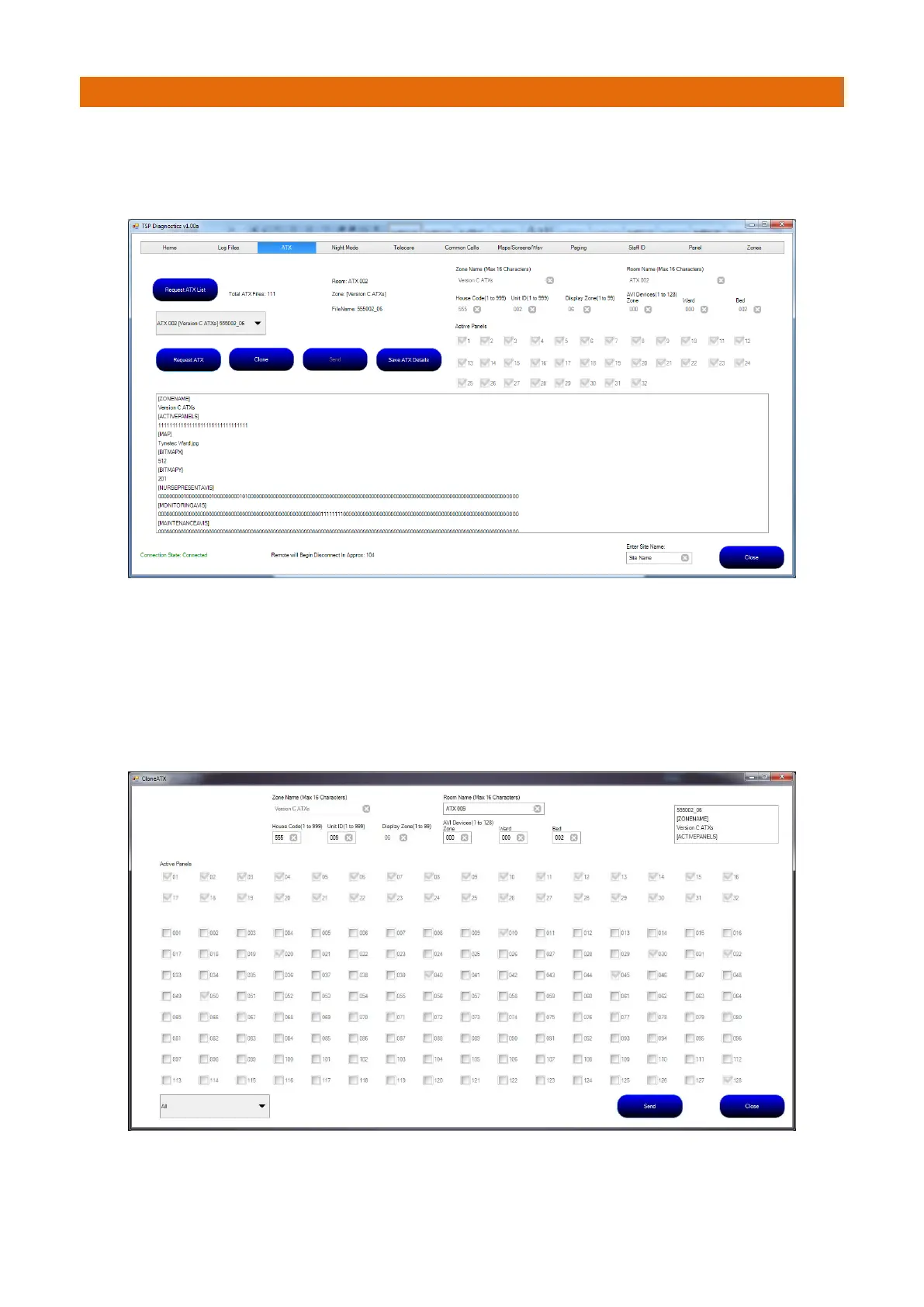
Press the “Request ATX List” button to display a list of all ATX’s on the site.
An individual ATX file can then be selected from the drop down box and that file can be requested by
pressing the “Request ATX” button. Typical data for an ATX is shown below;
If there is a requirement to add a Call Point to a site, an existing unit can be cloned.
Note: cloning a unit can only be performed within the same Zone. If a unit were allowed to be cloned in an
unknown zone, radio coverage may be compromised and is therefore not allowed.
Once the device has been requested, the “Clone” button can be pressed and a device can be cloned.
The clone screen below shows the panels that the device is set to be shown on. The Name, House Code and
ID can be changed to suit requirements.



 To Next Page