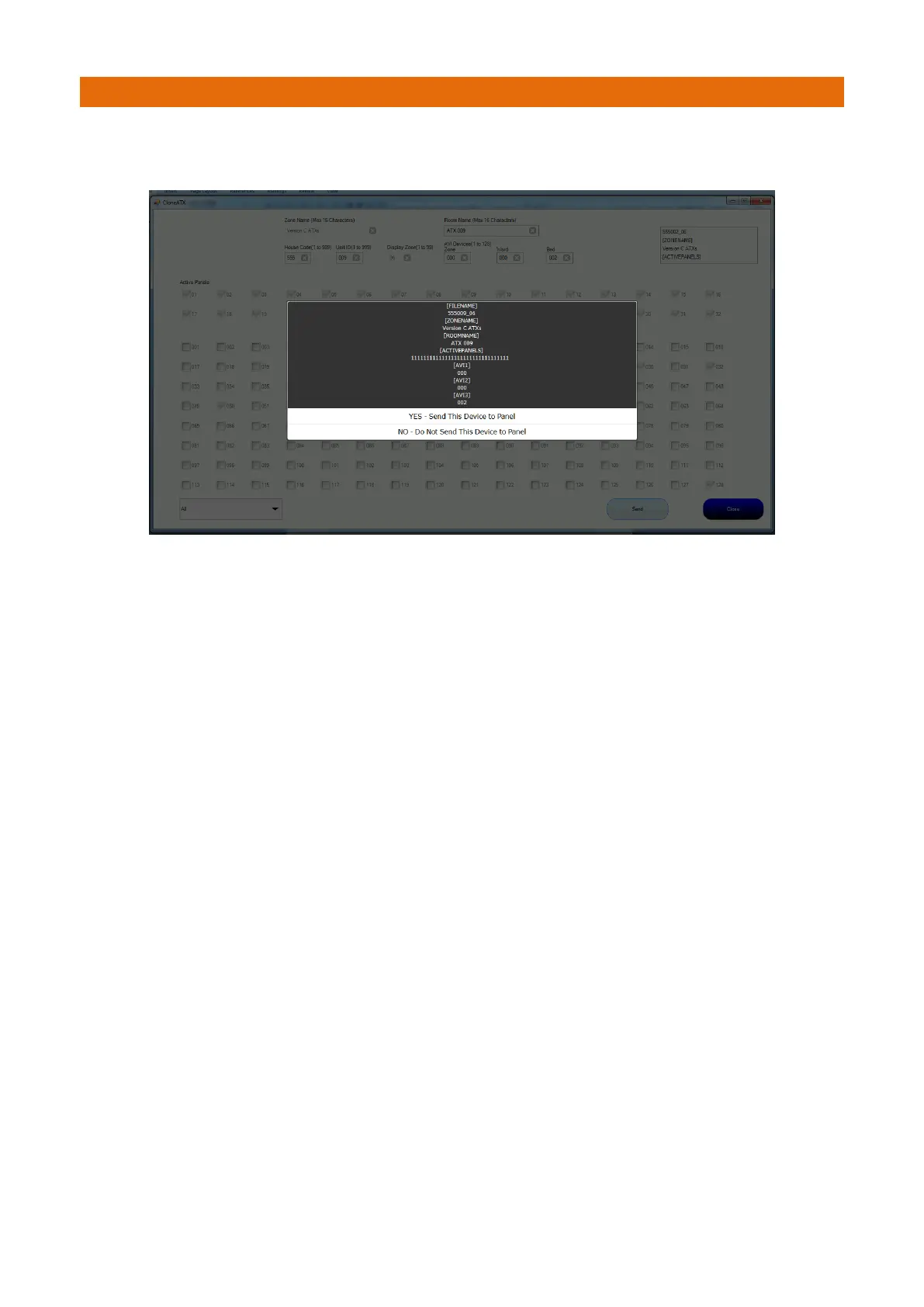
Once the required parameters have been entered, they can be transmitted to the panel. A confirmation
prompt will be displayed;
If the data is sent to the main panel, it will be distributed to the other panels on the system.
This means that once this new Call Point has arrived on site it can be activated on the system.
Note: cloning of the Follow Me Lights is not allowed; this kind of configuration would be performed by an
Engineer during a maintenance visit. Addition of Call Points etc. that are not covered in the existing zones
should also be added to the system by an Engineer during a site visit.



 To Next Page