X0
Y0
X
1
32
-
+
CLS Arc
sin
TOOL
X NO 1
9.995
NT
NT
X0
Y0
X
1
32
-
+
CLS Arc
sin
TOOL
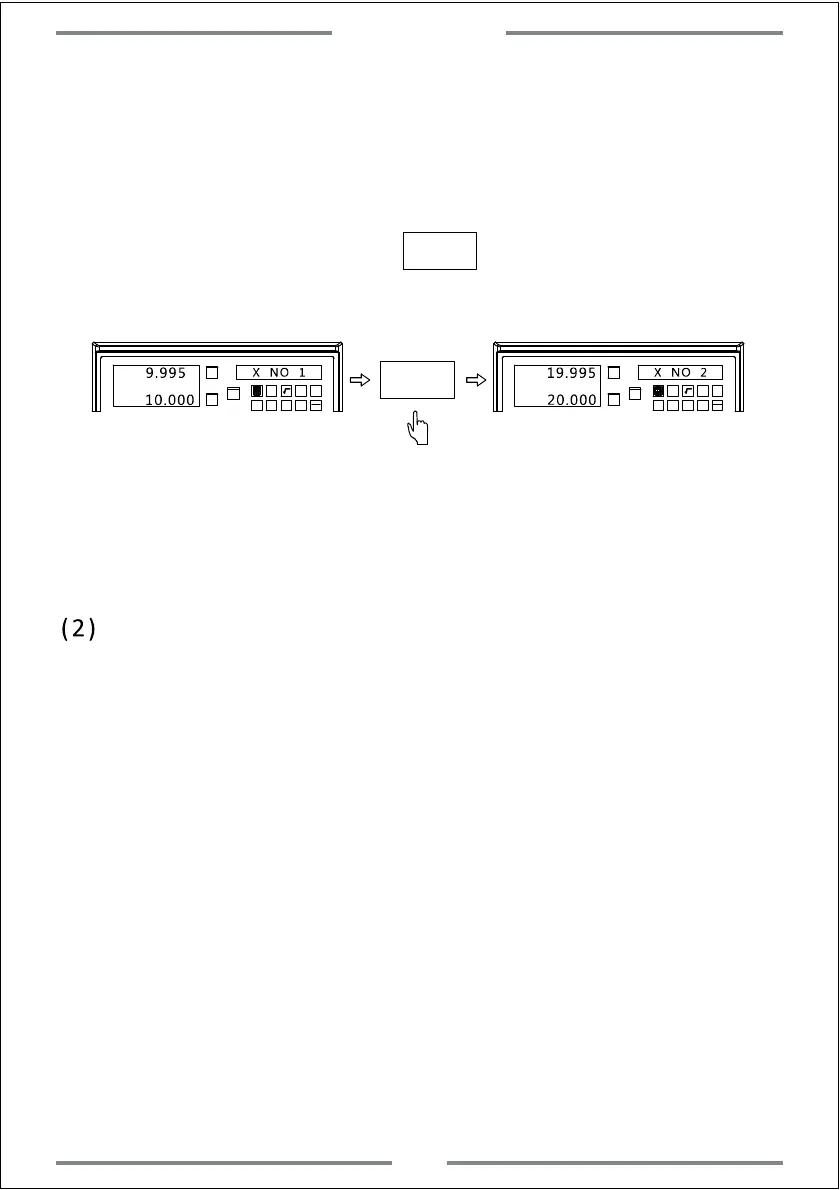
Note: X axis display the actual moving length of linear scale.While Y axis
display the corrected value
10.000
X NO 2
19.995
20.000
For this function,the compensation value could not exceed 2mm/m.
(2) Canceling the non-linear compensation
Note: The compensation value will not be correct if move the DRO and
linear scale who has been set the non-linear compensation value
to another machine.In this case,we need cancel the compensation
value or reset.
Same operation as above to enter the non-linear compensation.Input
0 as number of compensation part.At this time,all parameter in
non-linear compensation will be cleared.The current compensation
value will become 0.
2. If choosing option B,move the table of X axis to find the mechanical zero
reference point.Once the point has been found,the DRO will enter the next
step automatically.
Step 8: Moving table to 10mm.(The 10mm is basing on other more accurate
measuring instrument.)Press to set the next point.
(Same operations to the rest point)
Basic Function
16



 To Next Page