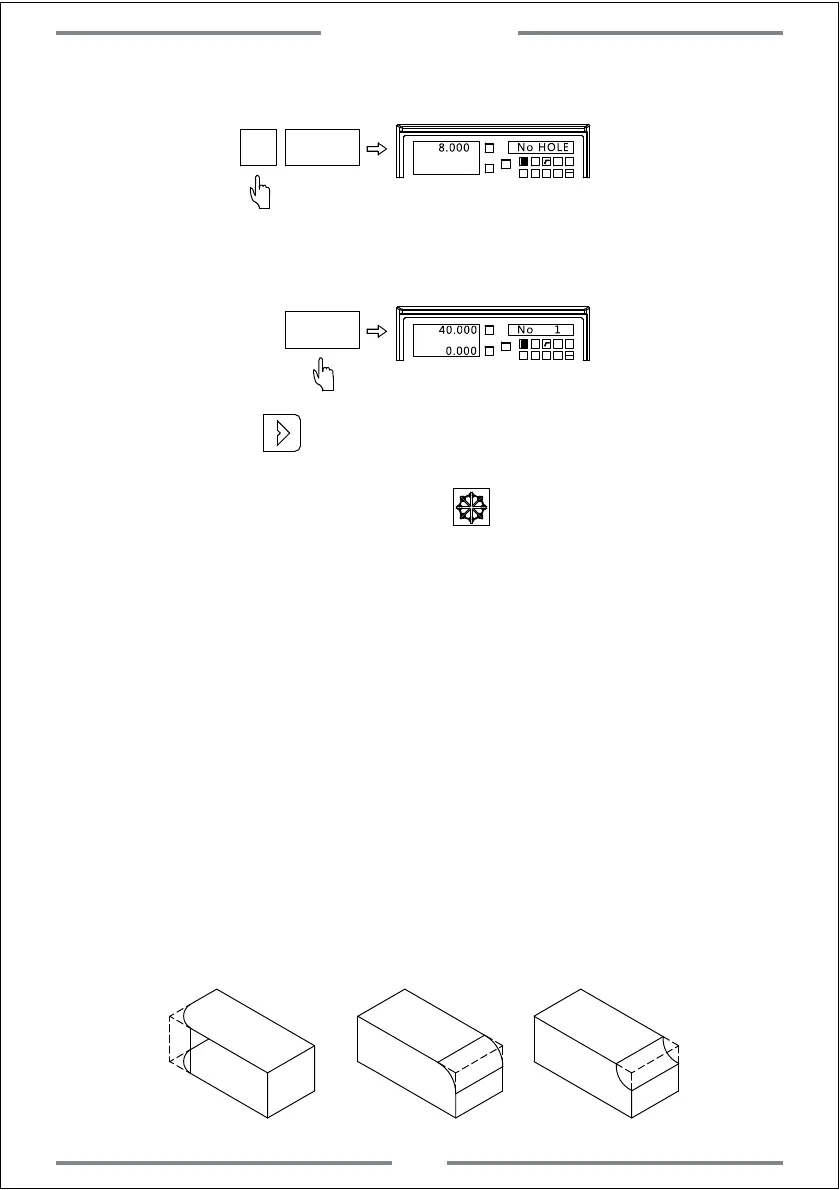
Step 7: Input the number of hole
X0
Y0
X
1 32
-
+
CLS
Arc
sin
TOOL
8.000
No HOLE
8
ENT
Step 8: Enter the machining status,and the position of first hole will be
displayed.
Step 9:Press to enter the next machining point.Move the table
until the value of axis become zero.At this time,this zero point indicates
the second machining point.Press to exit PCD function.
X0
Y0
X
1 32
-
+
CLS Arc
sin
TOOL
40.000
No 1
ENT
0.000
4.3 Smooth R Function(Applies to 2&3axis milling machine)
User could use the smooth R function to machine any arc,even an arc to
be connected with another arc.(commonly known as R-to-R)
Parameter
PCD-XY: Select the plane(XY/XZ/YZ) CT-POS: Circle center coordinate
R: Radius of arc TL-DIA: Diameter of tool
MAX-CUT: Maximum cutting amount ST-ANG: Starting angle
ED-ANG: End angle
RAD+RL/RAD-RL: Arc machining plane(convex or concave)
3 common arc machining type
Special Function
27



 To Next Page