6. Combination using of PLD function and EDM function.
When using the PLD function,we could also use the EDM function to
complete the EDM machining for PLD.Detail operations are shown as below:
(1) Press to enter the parameter setting of PLD.(refer the instruction of
PLD setting) After setting well,press to start machining.And the
first position of hole will be displayed.Move the table until the value of
axis become 0 to make the electrode align the first machining hole.
(2) Press to enter EDM parameter setting(refer the instruction of EDM
setting).Input the target height and start machining.Once machining
completed,press to get exit EDM function and get back to PLD
function.Then press to the next hole.
7. Switching display model during EDM machining
When in EDM machining process,user could press to switch the display
to be normal displaying.At this time,the right window will display EDM-P.
Press again to switch back EDM machining displaying.The display
switching will not affect the EDM machining.
·
·
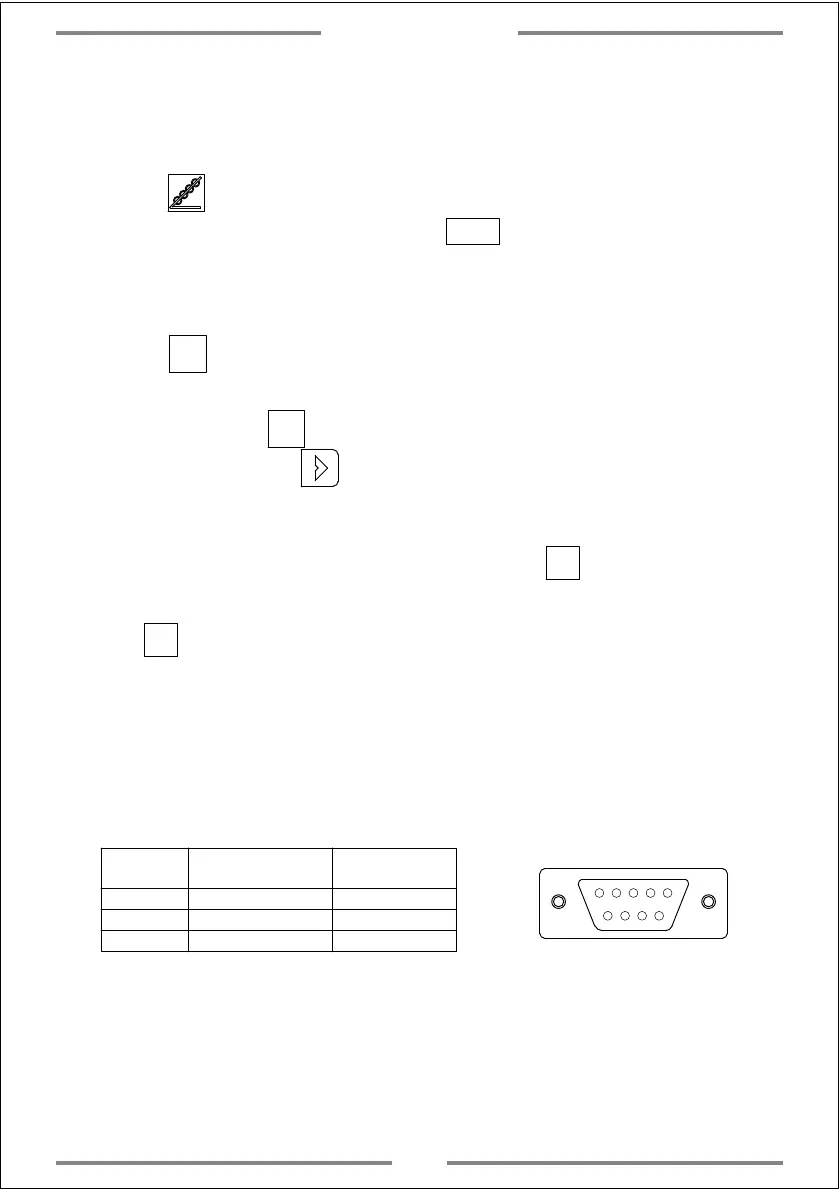
8. Output Port
Parameter:
1.0A30VC, 0.5A125VAC, 0.3A60VDC
DB9 Pin
1
3
5
OFF
Black
Yellow
Red
T
Signal Type Pin Color
COM
NO
Special Function
43
1 3 5
SIFT
SIFT



 To Next Page