47
Confi guration
3
Select "Door Monitoring" using
F2
(V) and press
F3
(Select)
The Door Monitoring settings screen will be
displayed.
4
Select "Enable" or "Disable"using
F1
(Λ) or
F2
(V)
5
After selection, press
F3
(Select)
A "beep" sound will be heard when the
confi guration is fi nished.
When “Enable” was confi gured
6
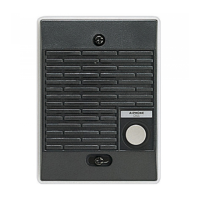
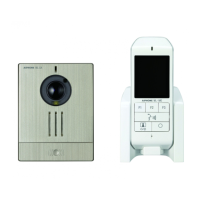
Press the call button of the video
door station
Before
I forget!
The setting will be applied by calling from
the video door station.
The signal strength will be displayed on
the top of the standby screen after calling/
communication has ended.


 To Next Page