EasyManua.ls Logo

Airflow TA465 - User Manual

Airflow TA465
51 pages
Print Icon
To Next Page IconTo Next Page
Loading...
AIRFLOW™ INSTRUMENTS
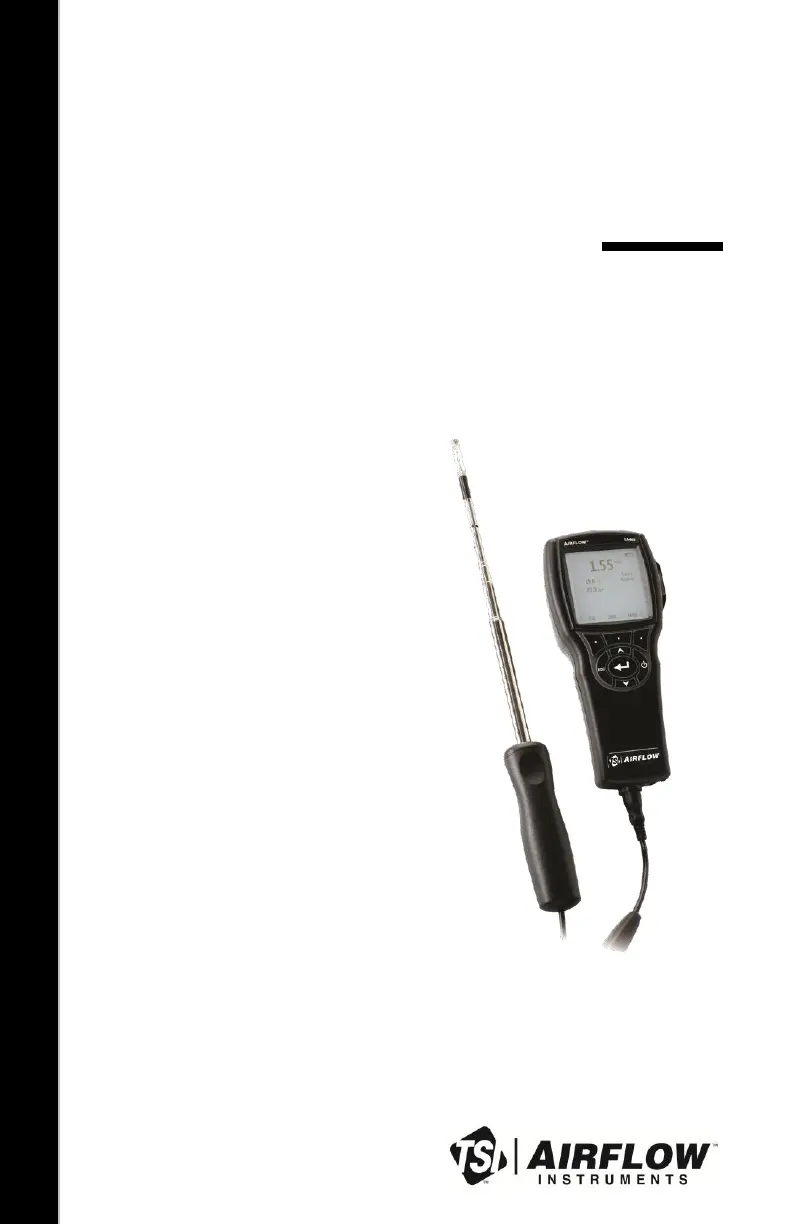
AIR VELOCITY METER
MODEL TA465
OPERATION AND SERVICE MANUAL
P/N 6005359, REV D
OCTOBER 2014

Questions and Answers

  • T
    travis16Aug 3, 2025
    How to fix no display on Airflow Measuring Instruments?
    • R
      Ricky ClarkAug 3, 2025
      If your Airflow Measuring Instruments display is blank, there are a few things to check. First, make sure the unit is switched on. If it is, the batteries might be low or dead, so try replacing them or plugging in the AC adapter. Also, dirty battery contacts can cause this issue, so try cleaning them.
  • J
    Jason FreemanAug 9, 2025
    What to do if an Instrument Error message appears on Airflow Measuring Instruments?
    • S
      Shelia DrakeAug 9, 2025
      If you see an Instrument Error message on your Airflow Measuring Instruments, it could be due to a full memory. If you need the data, download it first, and then delete all the memory. If that doesn't solve it, the instrument may require factory service.
  • J
    jamesandersonAug 15, 2025
    Why is the velocity reading fluctuating on Airflow Measuring Instruments?
    • J
      Jennifer SanchezAug 15, 2025
      If the velocity reading on your Airflow Measuring Instruments is fluctuating and unstable, it may be due to fluctuating flow. Try repositioning the probe in a less turbulent flow or use a longer time constant.
  • A
    Annette GomezAug 21, 2025
    What to do if Airflow Measuring Instruments do not recognize the probe?
    • C
      Christopher MarksAug 21, 2025
      If your Airflow Measuring Instruments probe is plugged in but not recognized, it might be because the probe was plugged in while the instrument was already on. Turn the instrument off and then turn it back on.
  • C
    carlwalkerAug 28, 2025
    What does Probe Error message mean on Airflow Measuring Instruments?
    • Z
      zsmithAug 28, 2025
      If you are getting a Probe Error message on your Airflow Measuring Instruments, the probe may require factory service.

Summary

Limitation Of Warranty And Liability

Setting-up

Supplying Power to the Model TA465 Series

Options for powering the instrument: batteries or AC adapter.

Installing the Batteries

Instructions for inserting AA batteries into the compartment.

DIP Switch Settings

Configuration of the DIP switch for battery type selection.

Using the AC Adapter

How to connect and use the AC adapter for power or charging.

Connecting Ventilation or IAQ Probes

How to connect ventilation and IAQ probes to the meter.

Using the Telescoping Thermoanemometer Probes

Guidance on extending and using thermoanemometer probes.

Using the Pressure Ports (TA465-P)

Description of pressure ports for static/differential pressure measurement.

Connecting the Static Pressure Probe

How to connect the static pressure probe to the TA465-P.

Connecting an Optional Pitot Probe or Airflow (straight pitot) Probe

Connecting pitot probes for air velocity/volume measurement.

Operation

Keypad Functions

Explanation of the instrument's buttons and their functions.

DATA LOGGING

How to log and manage measurement data.

Maintenance

Troubleshooting

Specifications

Airflow TA465 Specifications

General IconGeneral
BrandAirflow
ModelTA465
CategoryMeasuring Instruments
LanguageEnglish

Related product manuals