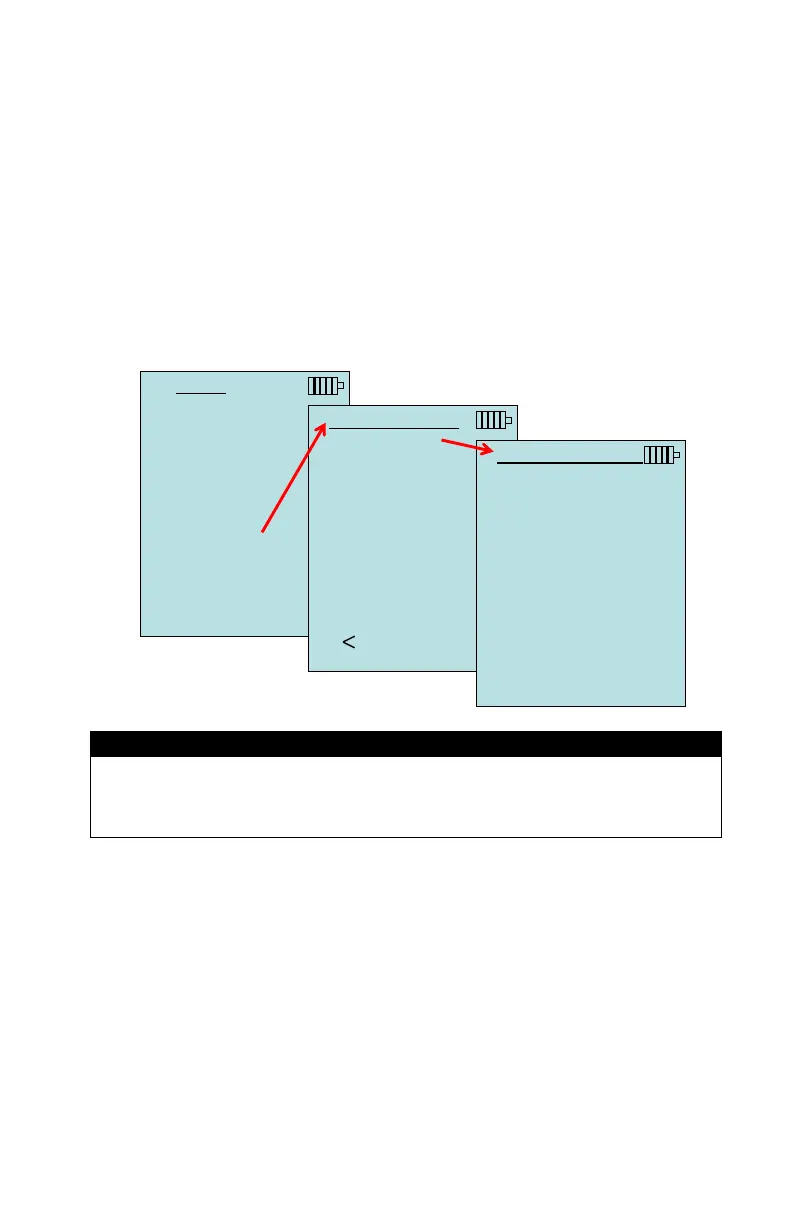
Operation 19
DATA LOGGING
Measurements
Measurements to be logged to memory are independent of
measurements on the display, and must therefore be selected
under DATA LOGGING Measurements.
When set to ON, measurement will be logged to memory.
When set to DISPLAY, measurement will be logged to memory
if it is visible on the main running screen.
When set to OFF, measurement will not be logged to memory.
MENU
Zero Press
Display Setup
Settings
Flow Setup
VOC Setup
Actual/Std Setup
Data Logging
Zero CO
Applications
Calibration
Bluetooth Functions
DATA LOGGING
Measurements
Log Mode Cont.-time
Log Settings
Choose Test Test 001
Name Test
View Data
Delete Data
% Memory
MEASUREMENTS
Temperature DISPLAY
Velocity DISPLAY
Flow DISPLAY
Heatflow OFF
Pressure DISPLAY
Baro Press ON
ON DISPLAY OFF
Pitot Velocity and AFProbe Velocity cannot both be ON at the same
time, nor can one be set to PRIMARY and the other to ON. Only one
can be ON at any given time.
Log Mode/Log Settings
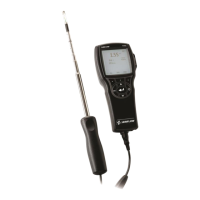
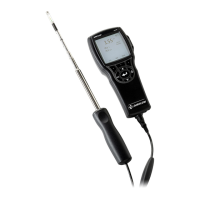
The TA465 can be programmed to store measurements to
memory in several different logging formats:
Manual
Auto-save
Cont-key
Cont-time


 To Next Page