1. Introduction
7AirLive IP-200PHD-24/IP-200PHD-24B
User’s Manual
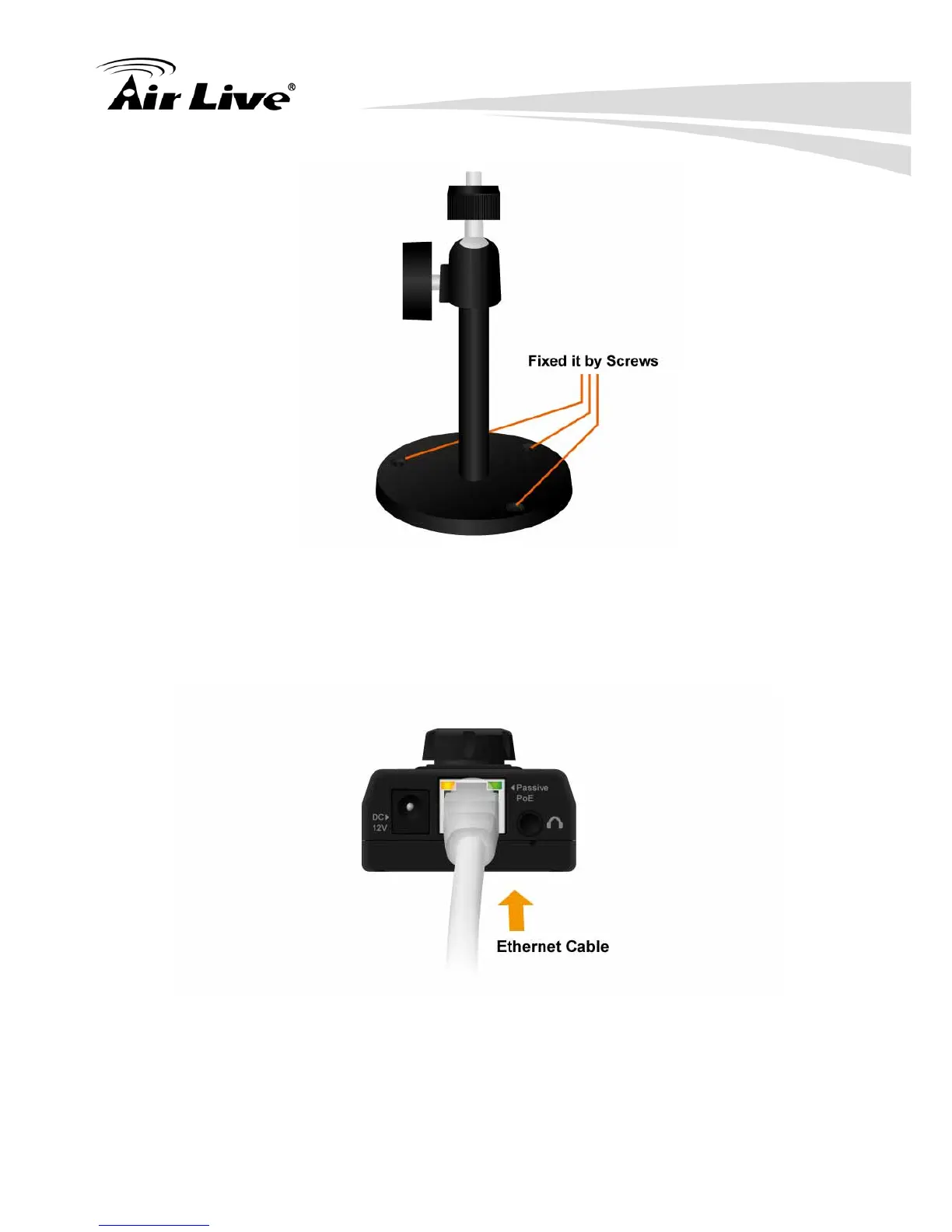
3. Plug an Ethernet cable into the Camera
Connect an Ethernet cable to the LAN socket located on the Network
Camera’s bottom and attach it to the network.
4. Connect the external power supply to Camera Connect the attached power
adapter to the DC power jack of the Network Camera.



 To Next Page