4. Monitor the Image Section
AirLive IP-200PHD-24/IP-200PHD-24B
User’s Manual
34
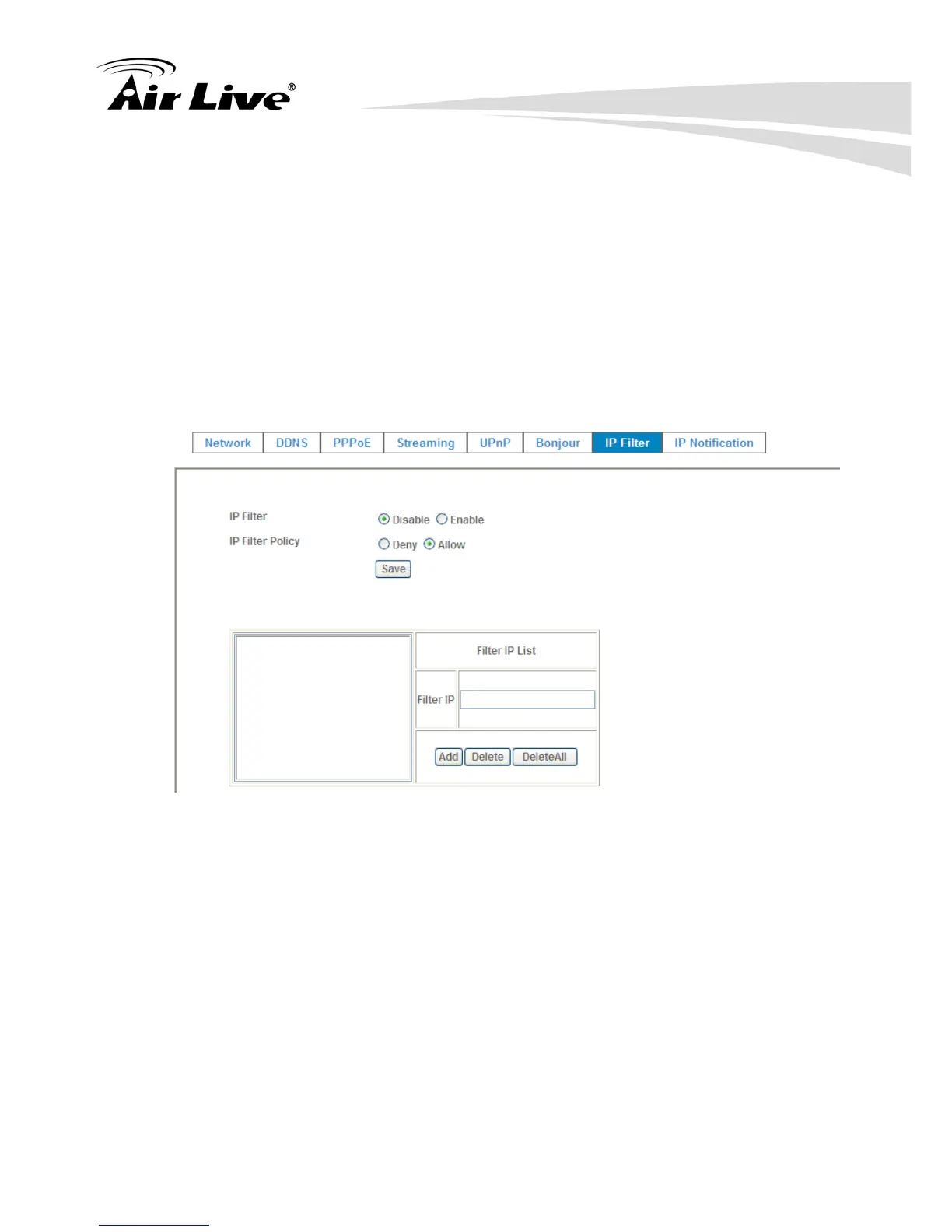
4.2.7 IP Filter
You can enter different user’s IP address which are allowing enter or denying
by the device.
IP Filter:
To enable or disable the IP filter function here.
IP Filter Policy:
Choose the filter policy where is denying or allowing.
4.2.8 IP Notification
In case the IP address is changed, system is able to send out an email to alert
someone if the function is enabled.
SMTP Notification (e-mail):
If enable this function, then the “Send to” and “Subject” fields need to be filled.
Send To:
Type the receiver’s e-mail address. This address is used for reply mail.



 To Next Page