4. Monitor the Image Section
AirLive IP-200PHD-24/IP-200PHD-24B
User’s Manual
54
Sensitivity
Defines the sensitivity value of motion detection. The higher value will be more
sensitivity.
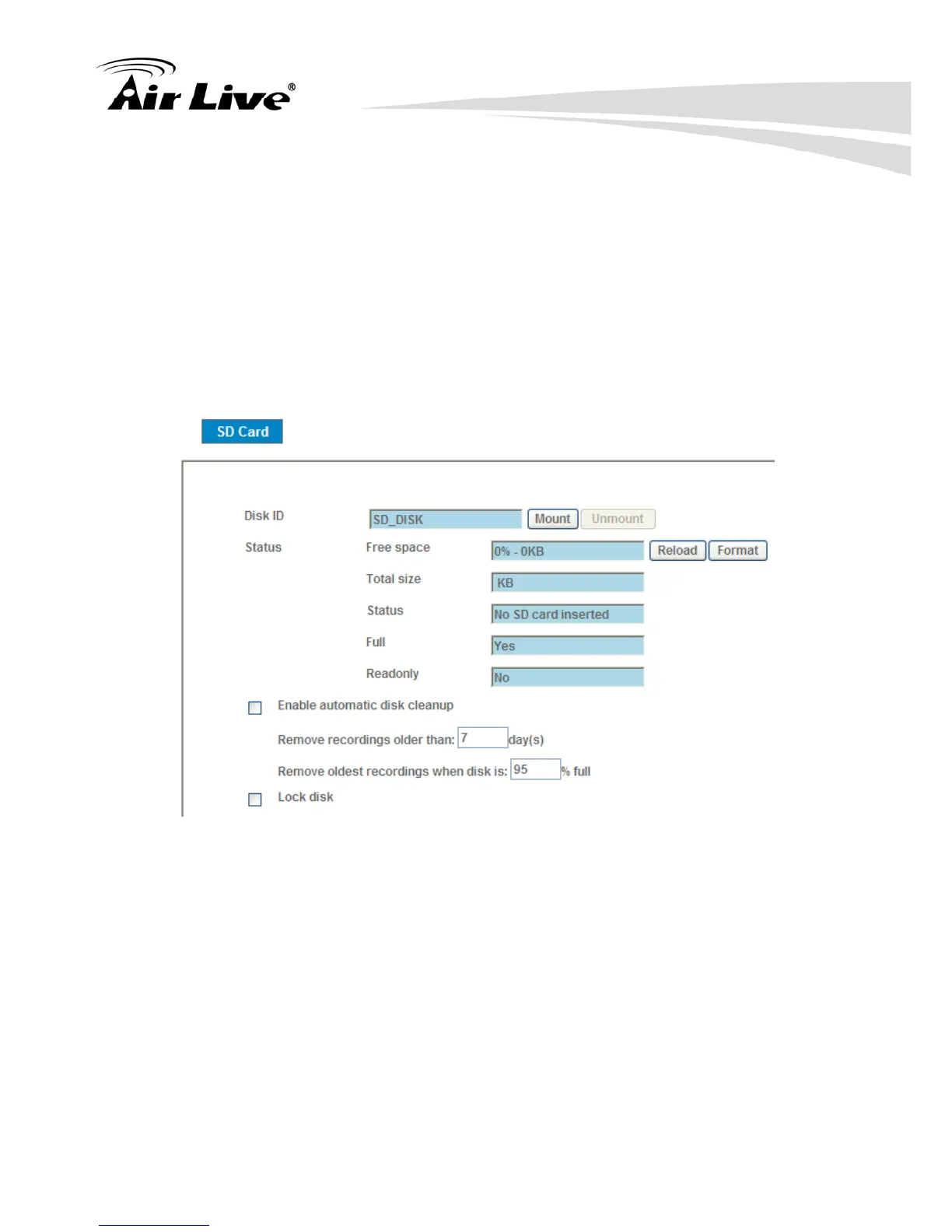
4.6.5 Storage – Status and Configuration of SD card
(POE-200PHD-24 Only)
This page shows the status of attached SD card. You may setup related
parameters to manage the attached SD card also.
Enable automatic disk cleanup:
Delete old recorded files while the conditions are reached as below.
Remove recordings order than:
Delete old files by days.
Remove oldest recordings when disk is:
Delete old files by left capacity.



 To Next Page