2. Getting Started
11AirLive IP-200PHD-24/IP-200PHD-24B
User’s Manual
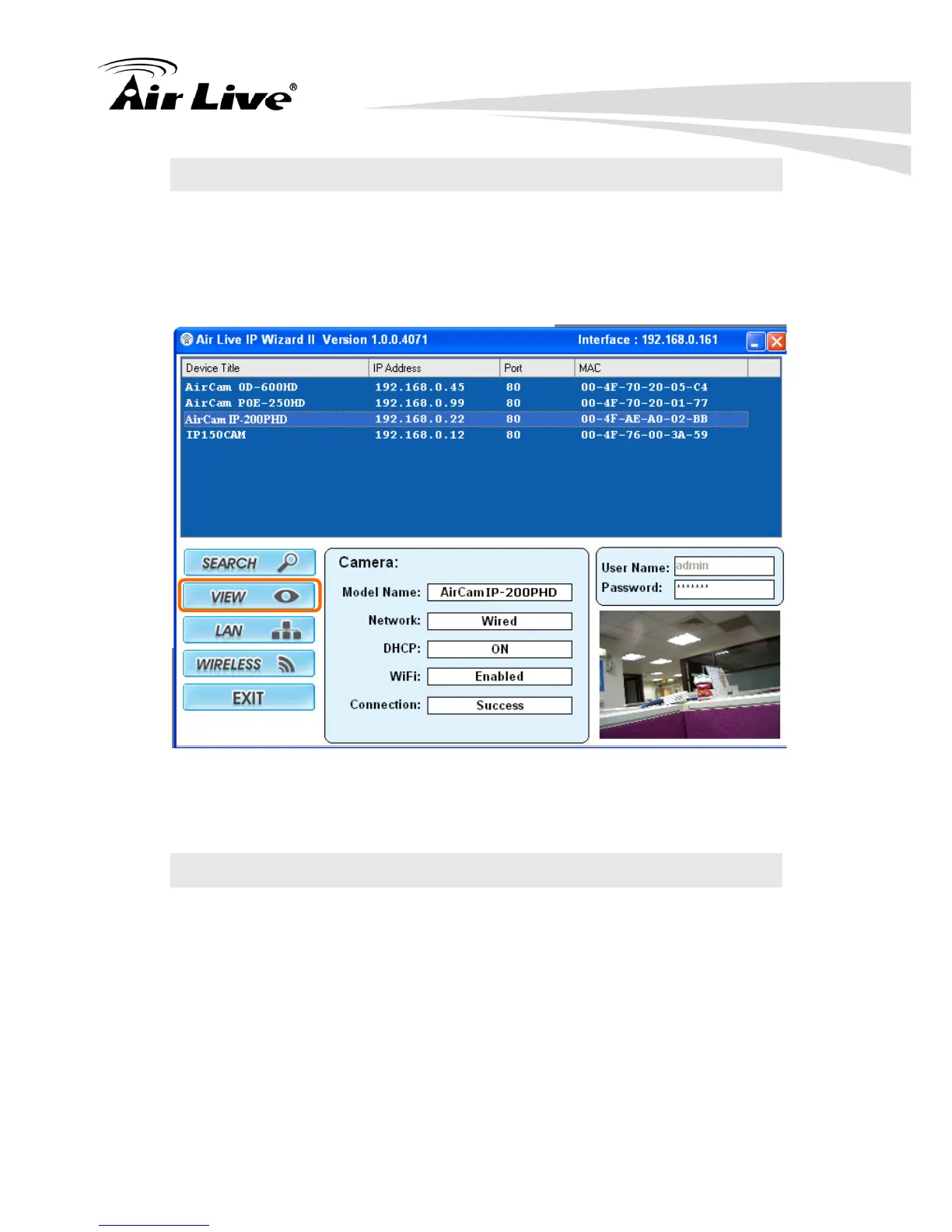
2.2 View
If IPWizard II finds network devices, View button will be available. Please
select the device you want to view and click the View button. Then you could
see the video from camera directly. Furthermore you could double click the left
button of mouse to link to the network device by browser.
2.3 LAN
In case you want to change the IP related parameters of wired interface,
please select the device you want to configure and click the LAN button.
Relative settings will be carried out as below.



 To Next Page