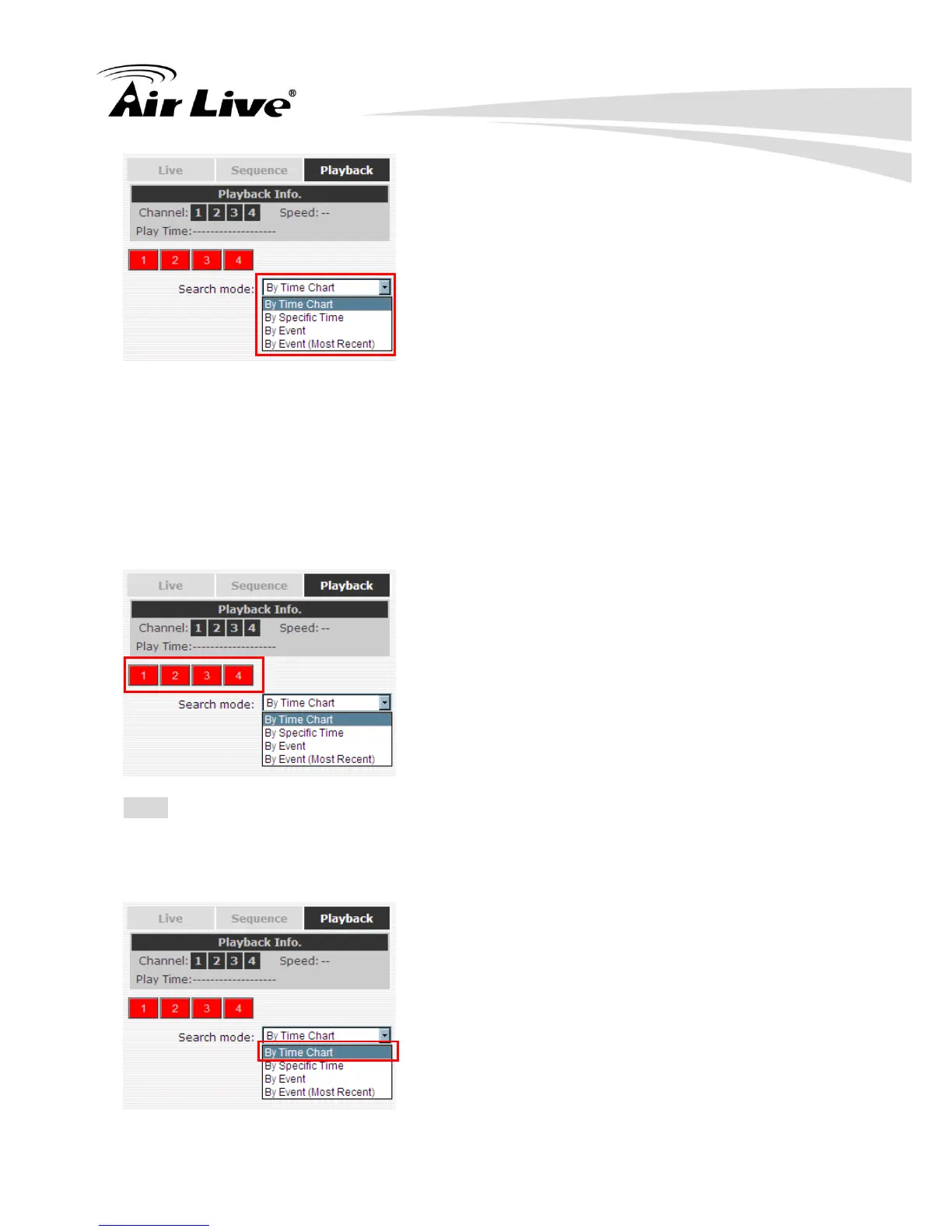
By Time Chart: Search the video clip by just clicking on the Time Chart.
By Specific Time: Search the video clip by the specific time.
By Event: Search the video clip by the Event List.
By Event (Most Recent): Search the video clip by the Event List. The events will list in
the order from the most recent to the oldest.
4.1.1 Search by time chart
Start by selecting which channel(s) you would like to perform a search on:
Note: Selected channels will be marked in red.
Select “Search by time chart” from the “Search Method” dropdown list and the Time Chart
will be shown on the page.



 To Next Page