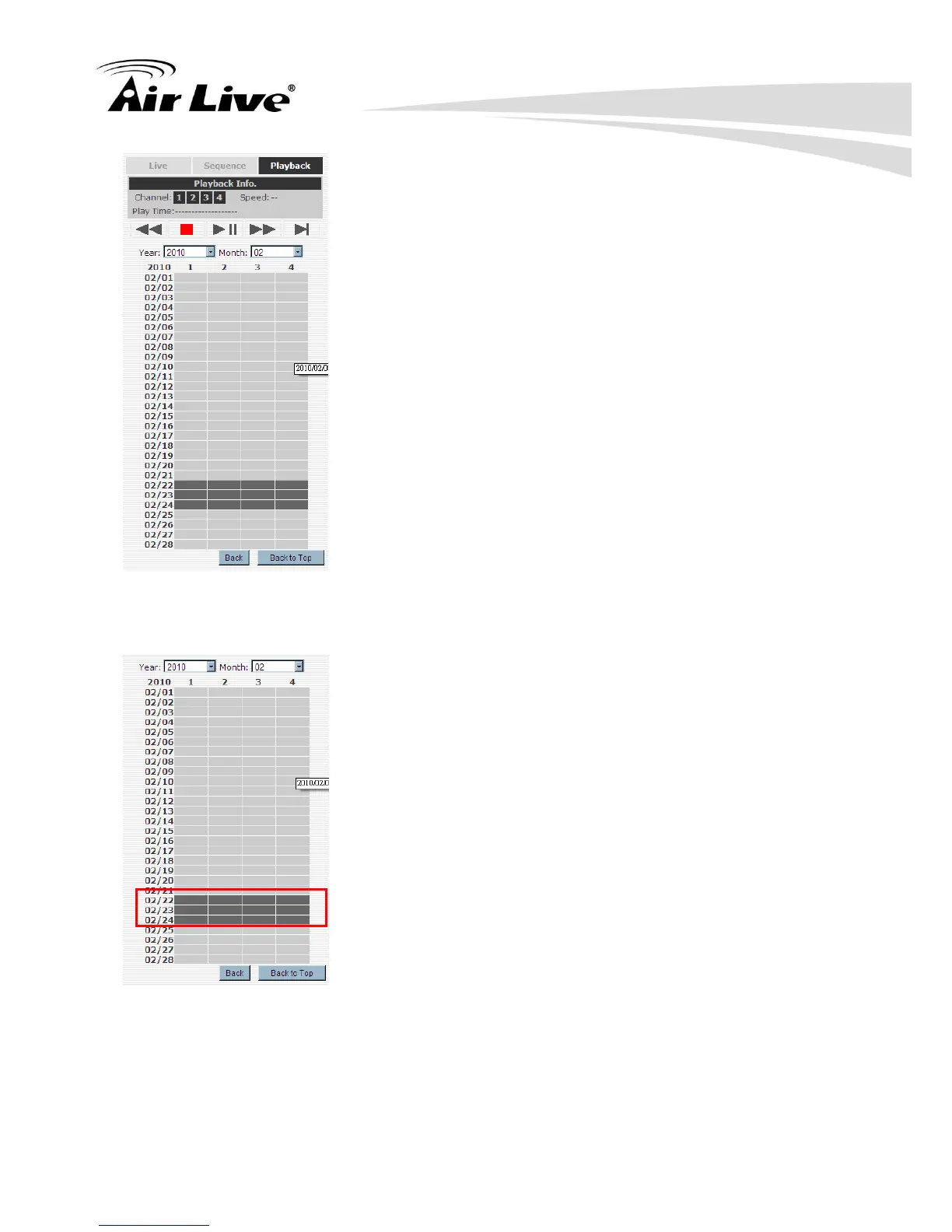
Results will then be displayed in a “Date/Channel” table and boxes marked in gray
represent videos found in those dates:
Click on any gray cell box should direct you to the hour/channel table. Click on the gray cell
on the hour/channel should direct you to the minute/channel table, if there were videos
recorded during that date. By clicking on the “Back” button, the chart would return to the
hour/channel table for you to re-select the time period. By clicking on the “Back to Top”
button, the chart would return to the search mode select function for you to re-search the



 To Next Page