3.1 Windows Web Browser
1. Open your web browser and enter the IP address or host name of the IP camera in the
Location / Address field of your browser.
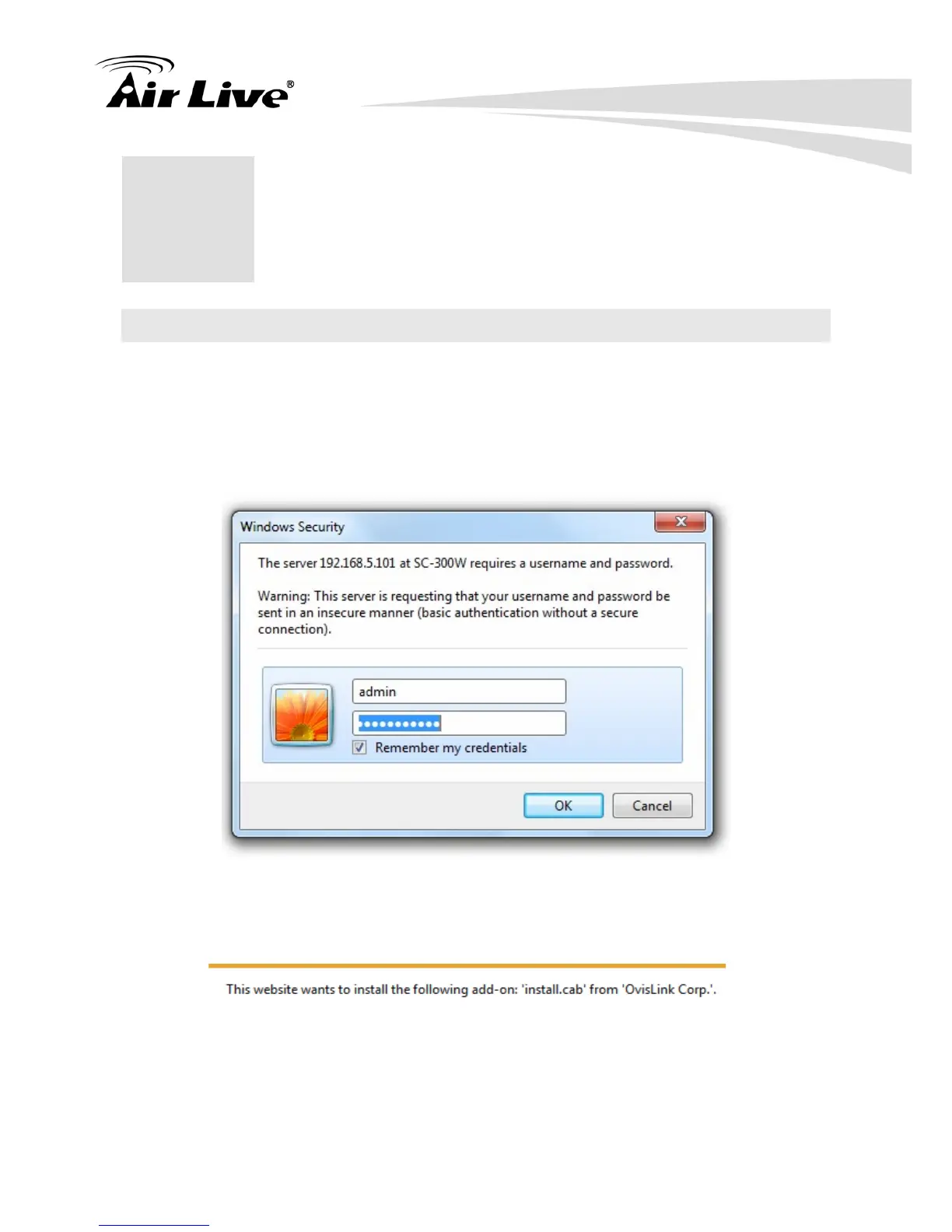
2. Use the default account “admin” and default password “airlive”.
Note: The default user name “admin” and the password “airlive” are the default values.
You can change them in the Account Menu. (Please check “System → Account”)
3. You need to install the ActiveX on your PC when you first access to the camera web UI.


 To Next Page