Factory Reset: Click Reset to restore all factory default settings for the camera.
System rebooted: Click Reboot to restart the camera just like turning the device off
and on. The camera configuration will be retained after rebooting.
Configuration Backup: You can save your camera configuration as a backup file on
your computer. Whenever you want to resume the original settings, you can restore
them by retrieving the backup file.
- Backup: Click the button to save the current configuration of the camera.
- Backup to MicroSD CARD Device: Click to save the configuration file to MicroSD
card.
Configuration Restore: click Browse to locate the backup file on your PC and then
click Restore.
- Restore From MicroSD CARD Device: Restore the backup file from MicroSD card.
Format: Click to format the MicroSD card.
6.7 Status
The Status menu shows the current status of the camera, including the basic information,
audio/video settings, networking configuration, and system logs.
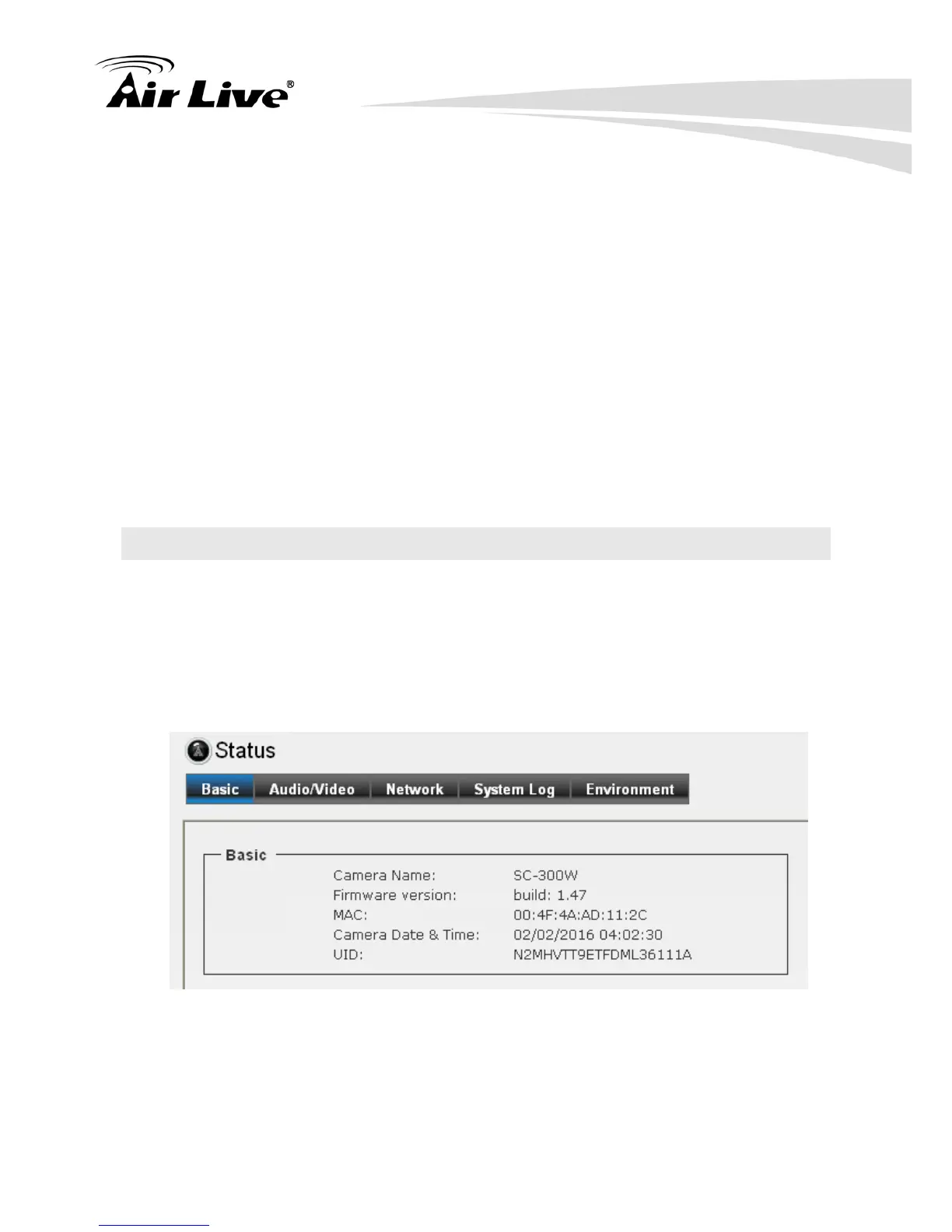
6.7.1. Basic
It provides the basic information as above.


 To Next Page