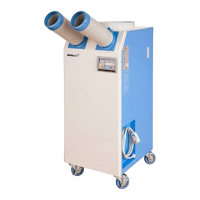
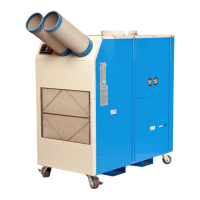
Cooling operates when Room/Spot temperature is
more than set temperature.
Cooling stops when Room/Spot temperature is
less than set temperature.
Mode
Display range Setting range
Room Temp 32℉~99℉ 60℉~86℉
Spot Temp 32℉~99℉ 50℉~86℉
rev0-2011
Operating Instruction & Parts Manual
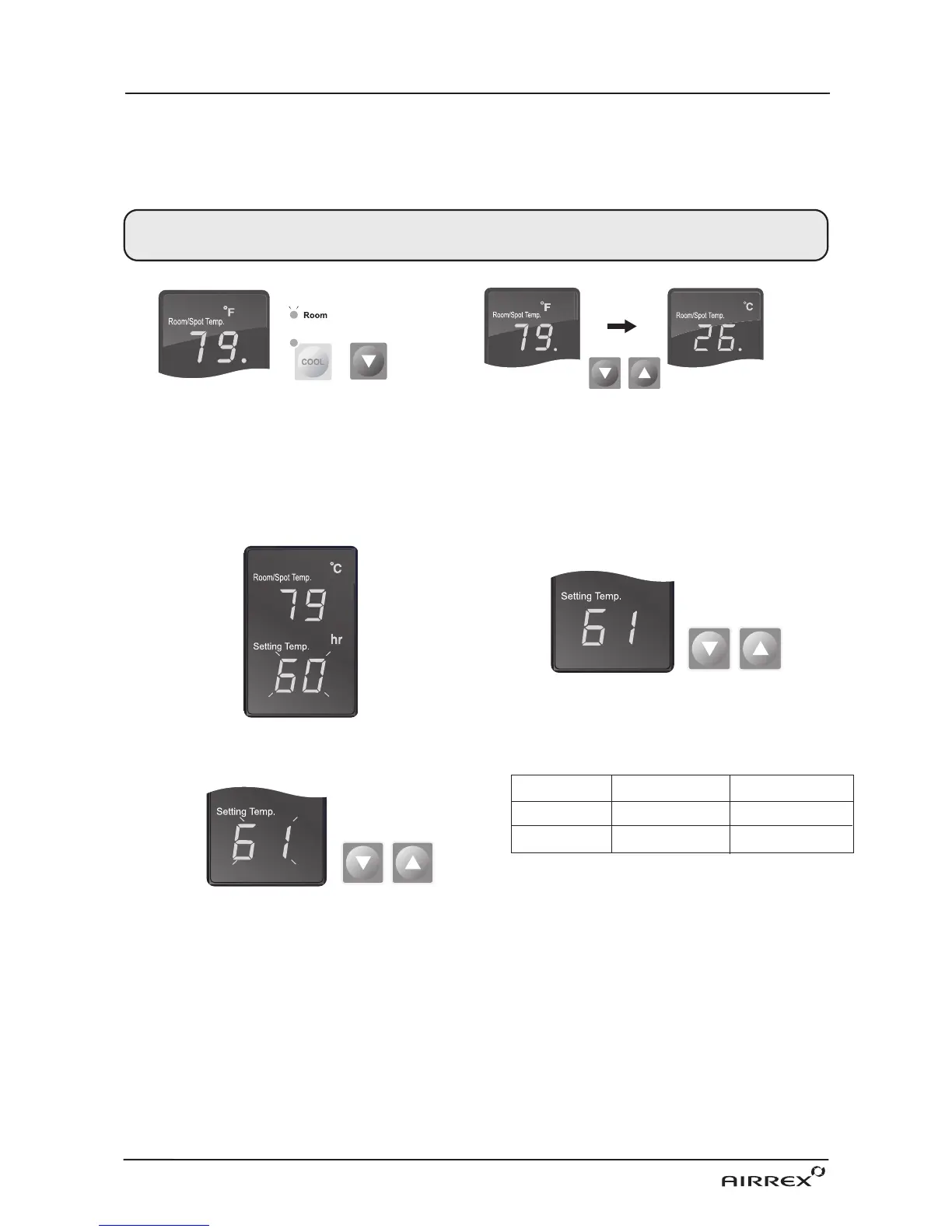
1. If you want to display room temperature,
when air conditioner is operated, push cool
and ▼ button simultaneously for three seconds.
If you want to display spot cooling
temperature,do the same to put it back.
2. If you want to change temperature unit ℉↔℃,
when air conditioner is stopped, push ▼ and ▲
button simultaneously for three seconds.
SELECTION of AREA/ROOM or SPOT COOLING
TEMPERATURE CONTROL OPERATION
To reduce the temperature of the entire room select 'Area/Room'. For ‘targeted’cooling of machinery,
servers, or people etc. select ‘Spot Cooling’.
1. When power is ON, the setting temperature is displayed.
Default of setting temperature is as below.
·50℉ in Spot Mode. ·60℉ in Room Mode.
3. The display showing the set temperature will
blink 3 times.
2. When you push either ▼ or ▲ button, the setting
temperature is changed.


 To Next Page