6
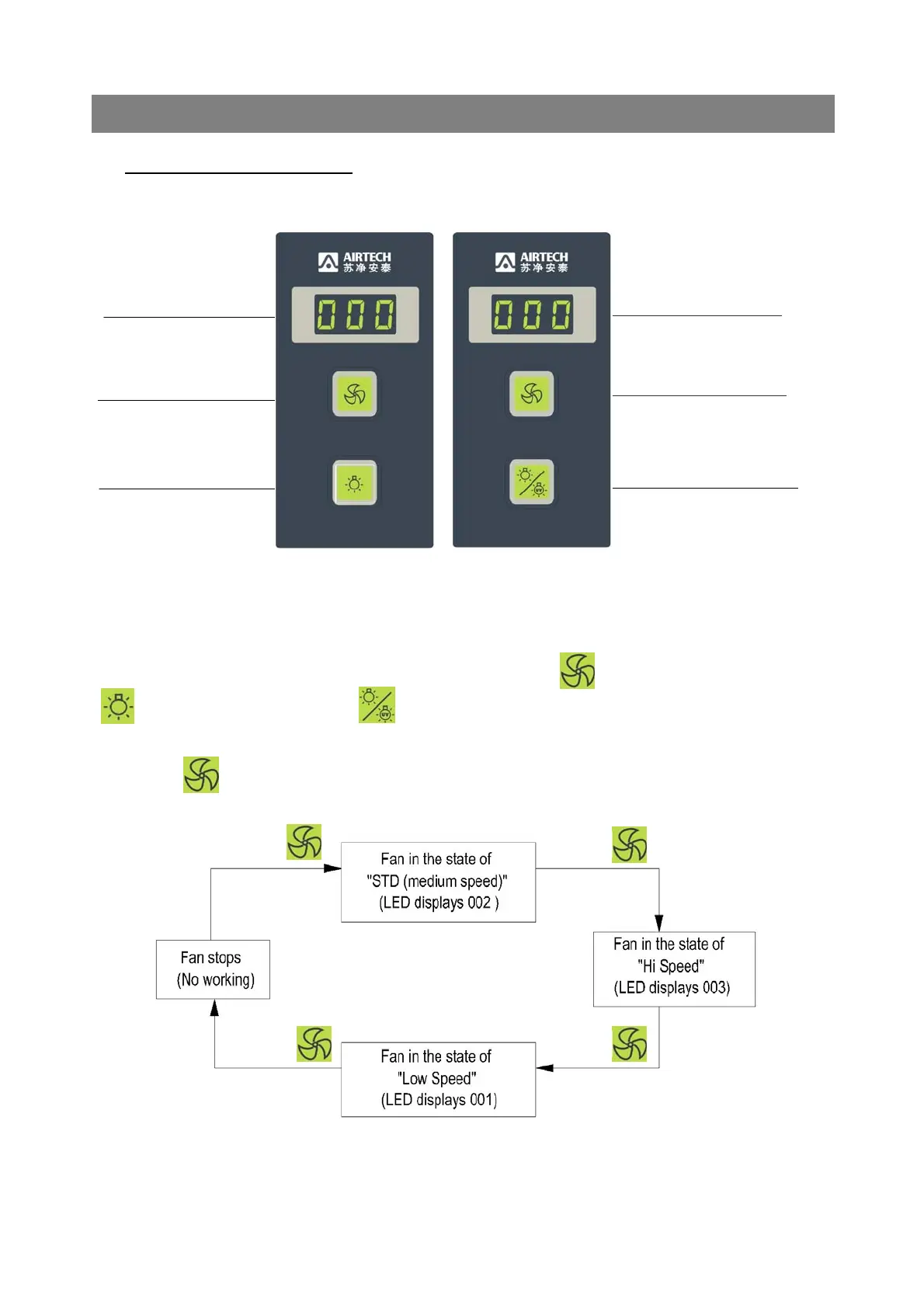
⑴ Setting of Control Panel:
Air Velocity Indicator
Air Velocity Indicator
Fan Button (with light) Fan Button (with light)
Light Button (with light) Light/Sterilizing Button
(With light)
FIG.3: SCHEMATIC OF CONTROL PANEL
As shown in the Fig 3, there are buttons on the panel: Fan Button (with light),
Light Button (with light), Light/Sterilizing Button (with light), and LED Air
Velocity Director.
◆ Press repeatedly may change the running state of fan in turn.
6. OPERATION
Press
Press Press
Press



 To Next Page