20
ES
EN
FR
IT
PT
DE
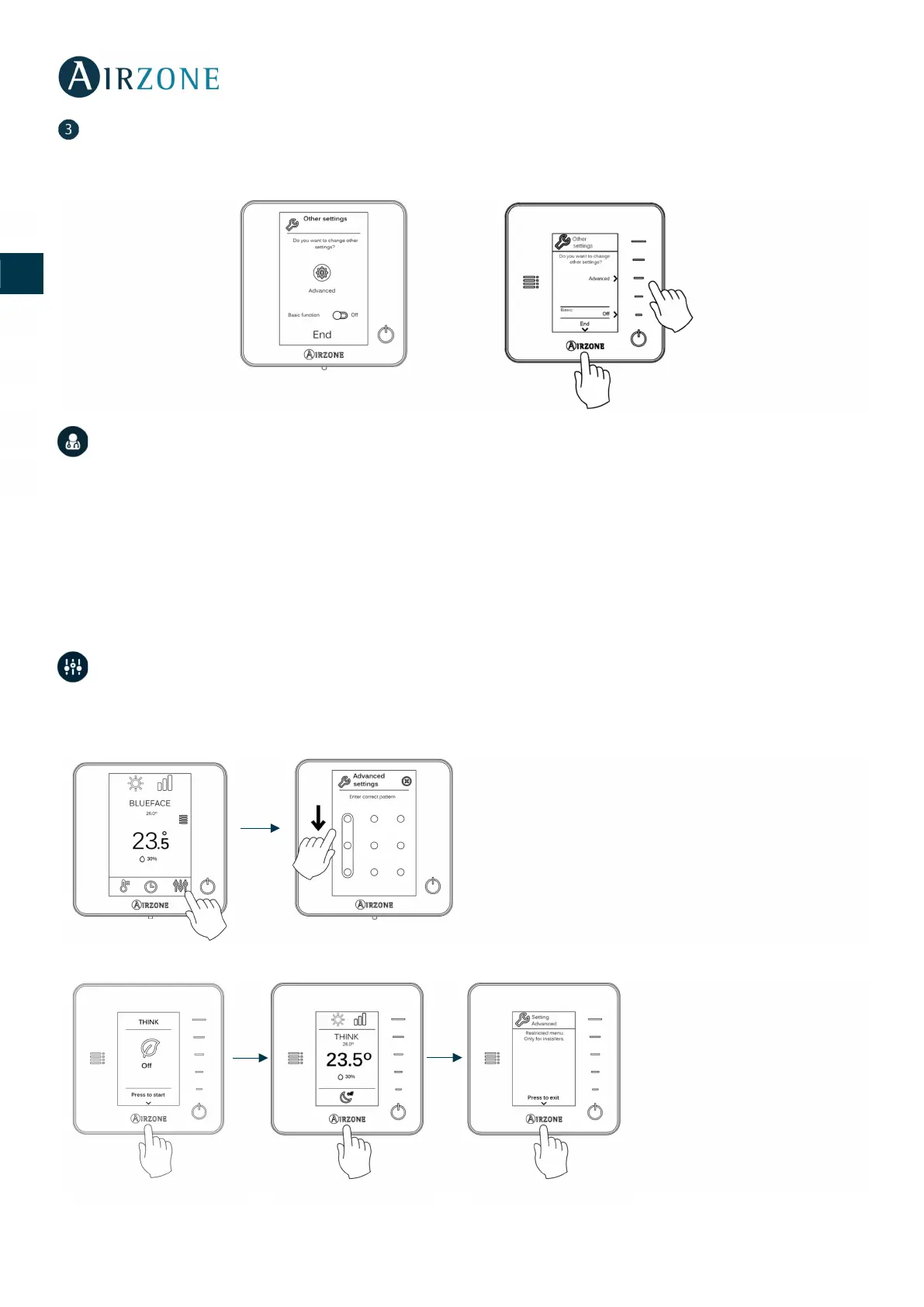
Other settings
Press to conclude the initial setup procedure, or access the advanced settings menu to change any other settings. Activate the
basic function if required (see Advanced Settings).
INITIAL CONFIGURATION EVALUATION
Check the following aspects:
- Turn on the system and generate demand in the zone. Modify the manual speeds and verify that the status LEDs of
the relays are working properly.
Important: After the setup or in case of power outage, the system takes a few minutes to measure precisely the temperature
and the relative humidity.
ADVANCED SETTINGS
To access the advanced configuration menu of the thermostat, follow the following steps:
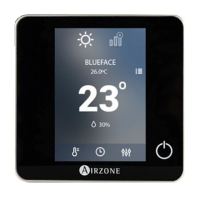
Airzone Blueface thermostat
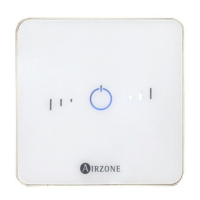
Airzone Think thermostat


 To Next Page