KiPro Mini v4.2 www.aja.com
11
Chapter 2: Ki Pro Mini at a Glance
Overview
When using Ki Pro Mini, you’ll make media cable connections to a variety of equipment
based on how it’s being used. Chapters 2 and 3 discuss how to operate and use the Ki Pro
Mini in its many configurations—this chapter introduces the operating configurations,
power supply options, plus all indicators, controls, and connections so you’ll have a
working knowledge of how it can be used to tie together the worlds of acquiring media
(production) and post-production.
Learning about the front panel indicators will be useful in selecting operational modes
and monitoring what is happening on Ki Pro Mini as well as troubleshooting problems
that can occur. Becoming familiar with the Ki Pro Mini operator-side and connectors will
simplify installation, setup, and operation of the system.
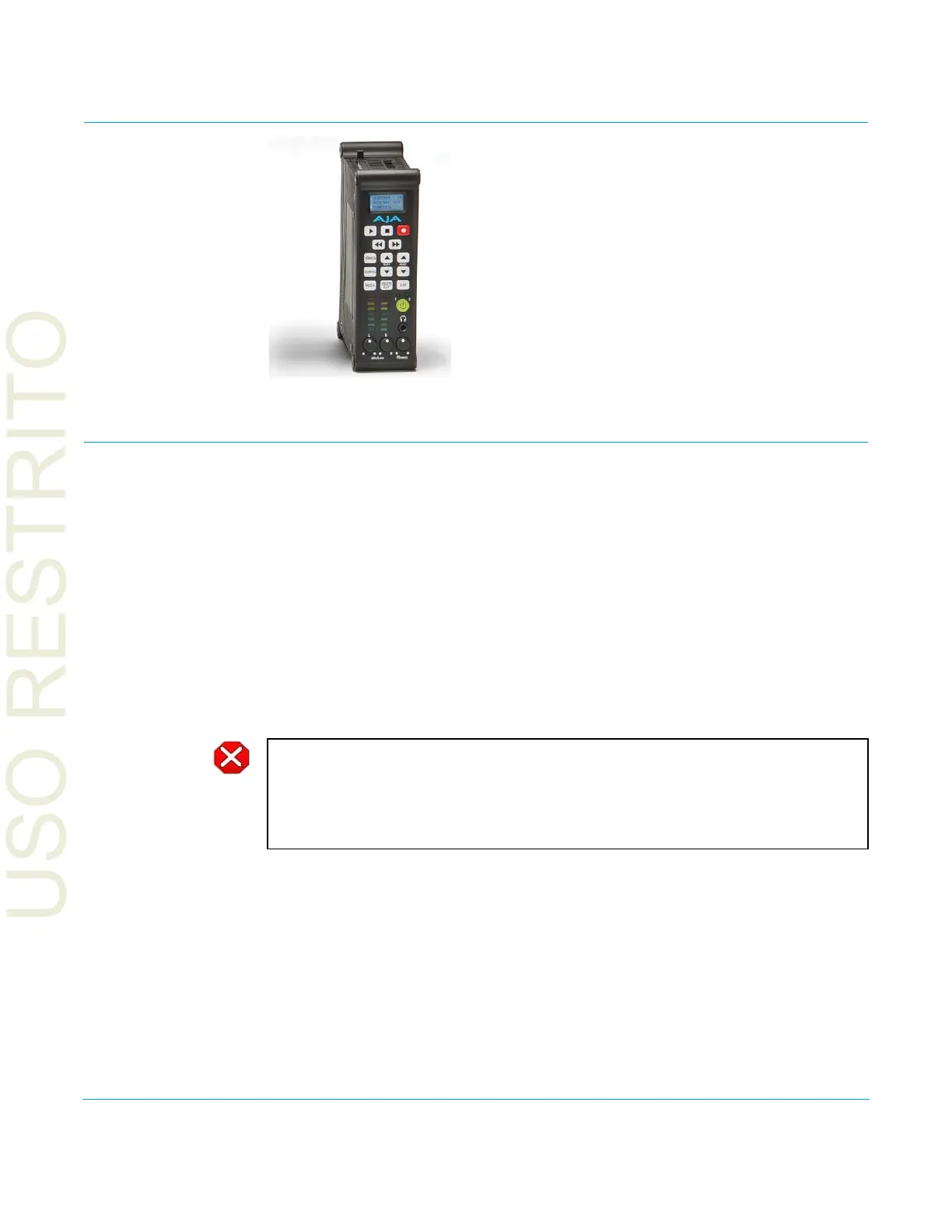
On the following pages are front and rear panel illustrations with notations that
summarize all of the connectors and indicators. Detailed descriptions of each of the
connectors and indicators follow afterward.
Caution!
The AJA Ki Pro Mini contains a lithium battery soldered in place permanently (it is not user
replaceable). If you ever dispose of the Ki Pro Mini, ensure you follow local regulations for
safe disposal. The lithium battery shall not be exposed to excessive heat, such as sunshine
or fire.



 To Next Page