KiPro Mini v4.2 www.aja.com
85
Management of the Playlists is made possible via the web UI; creation and management
of playlists from the front panel is not supported. An indication of a selected playlist is
presented on the front panel UI via menu parameter 15.3 Playlist. The selection of a
playlist does not survive reboots of the unit, but the playlists that are created do survive
reboots.
Using Presets Beginning with version 3.0 firmware, Ki Pro Mini offers a simple and efficient way to
configure multiple parameters of the device from a preset. You can store a preset
configuration and then recall that preset later to return Ki Pro to the stored configuration.
Storing a Preset
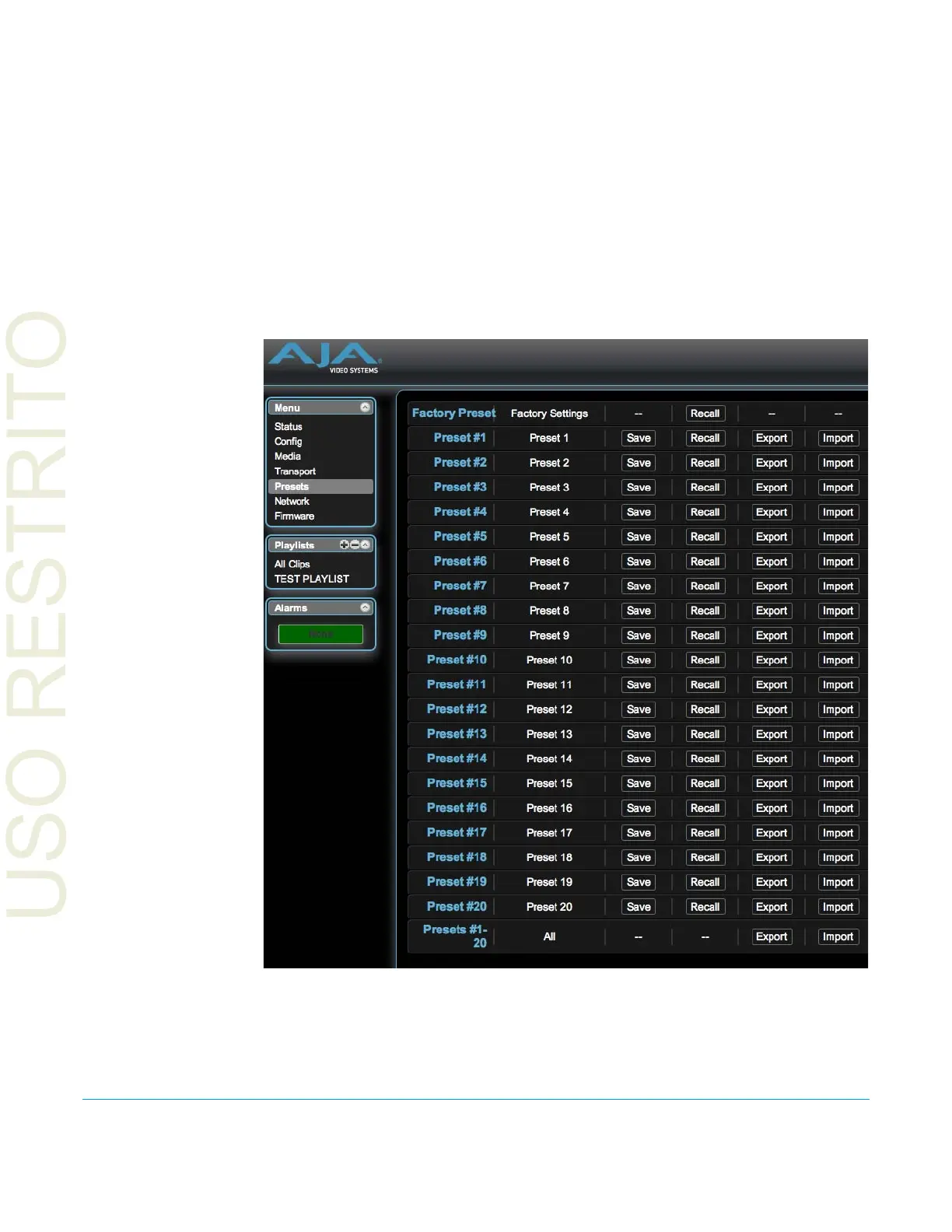
The easiest way to work with presets is via the web UI. A Presets web UI page is provided
where 20 customizable presets are offered.
To customize presets, you may click on the second column of text fields and name the
preset.



 To Next Page