KiPro Mini v4.2 www.aja.com
36
Chapter 4: Front Panel Operation
Panel Overview
There are two ways to control Ki Pro Mini: from the front panel or remotely from a web
browser connected via the Mini’s ethernet RJ45 connector. This chapter discusses
controlling and using Ki Pro Mini from its front panel. (Remote control via browser is
discussed later in Chapter 5.)
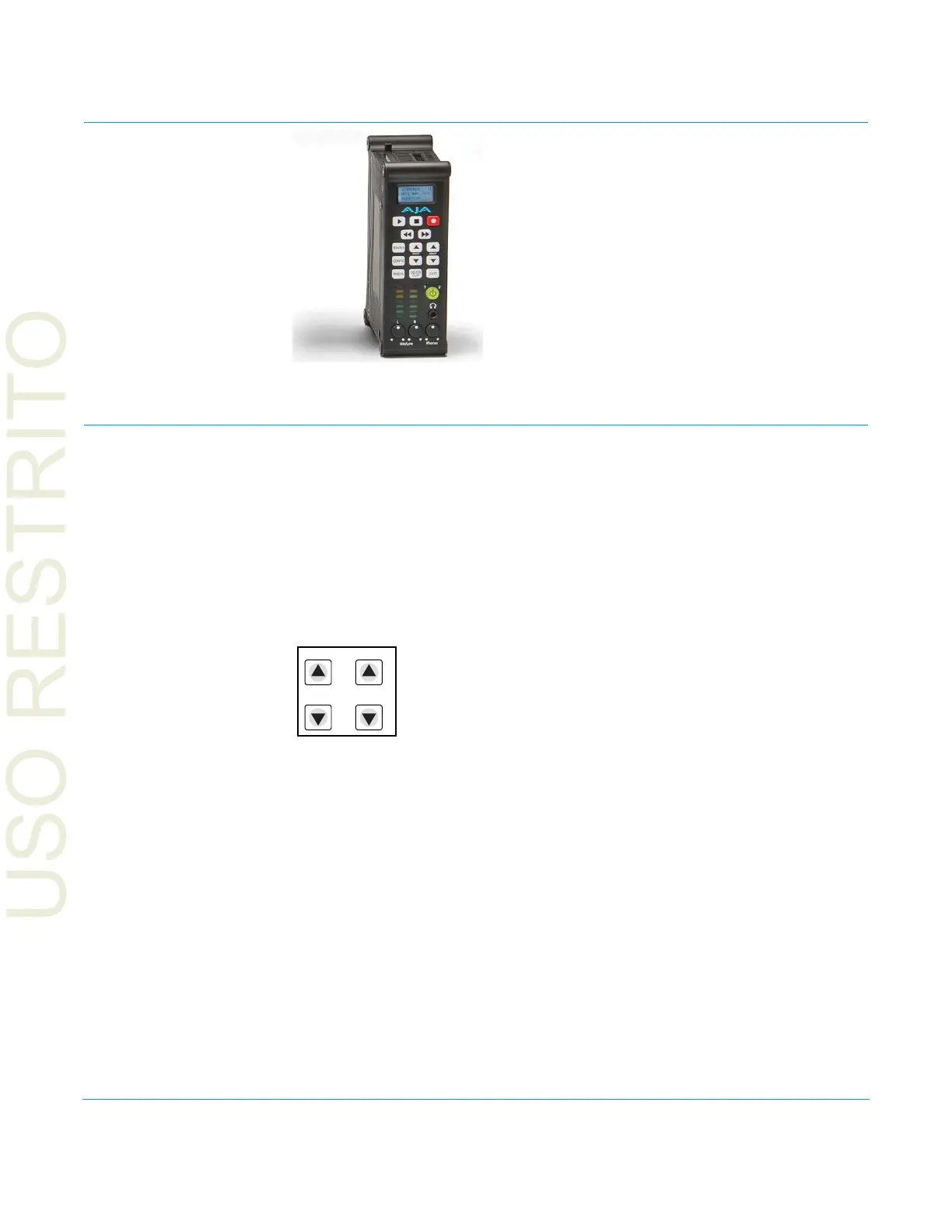
In Chapter two we discussed the panel controls overall, so ensure you've read and
understand that material first. Here in this Chapter we introduce each of the front panel's
modes and menus—plus talk about Clips and Reels, with procedures for basic use.
First we introduce the two basic front panel modes, TRANSPORT and MENU, followed by
how the SELECT and ADJUST buttons operate in each of these two panel modes.
The TRANSPORT mode is the default mode—it controls basic PLAY, STOP, FF, REV, etc.
functions. In the TRANSPORT mode, the Select buttons (up or down) cycle through the
clips in the currently selected storage slot (like previous/next), and the Adjust buttons
allow single-stepping, frame forward or backward.
Line 1: Displays the current clip.
Line 2: Displays the current reel number and the current slot selected.
Line 3: Displays the timecode for the clip being recorded or played as well as the
percentage of the media capacity remaining.
An example display for the TRANSPORT mode (default screen) is shown below:



 To Next Page