KiPro Mini v4.2 www.aja.com
73
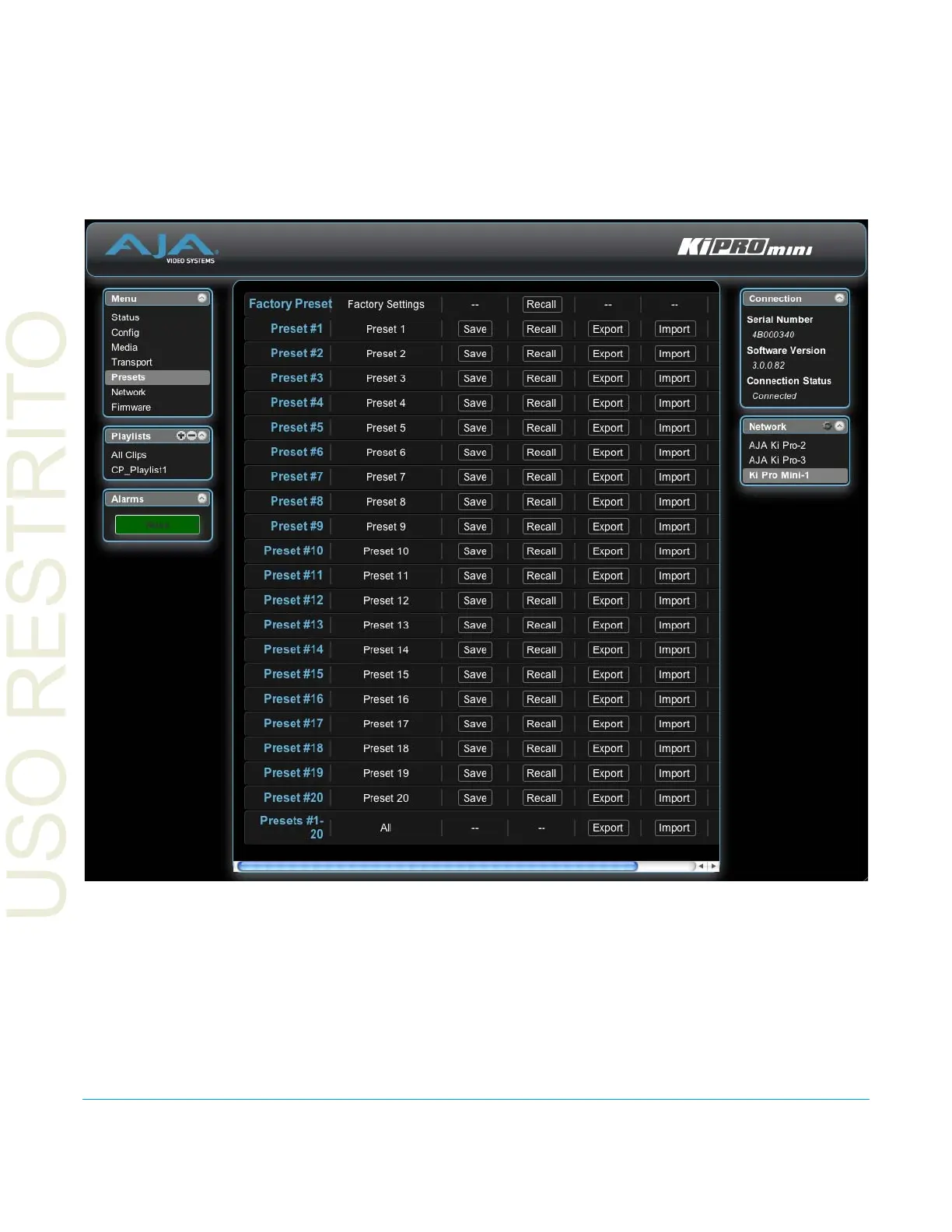
Presets Screen The Presets screen allows you to save Preset Configurations into 20 separate memory
registers and recall the presets whenever needed. This screen also includes Export and
Import functions that allow exporting one or all presets to your computer as files and
importing exported preset files from your computer. A displayed message indicates
successful or failed saves, recalls, exports, and imports.
Figure 21. Ki Pro Mini Web Interface, Presets Screen
Recall (91.1): The Recall buttons recall saved preset configurations.
When you recall a Preset Configuration, the recalled preset immediately replaces the
system’s existing configuration. All previous settings are lost unless you have previously
stored them in another preset configuration or an exported file.
Save: The Save buttons let you save the current configuration into the preset register with the
associated name and number. A preset is a set of system parameters as they were set at
the time the preset was stored. Only editable parameters are saved in the presets. Non-
editable parameters are not saved.



 To Next Page