OG-UDC 3G-SDI Up, Down, Cross-Converter v1.0 26 www.aja.com
Factory Settings
If you would like to revert the card settings to factory default values, click
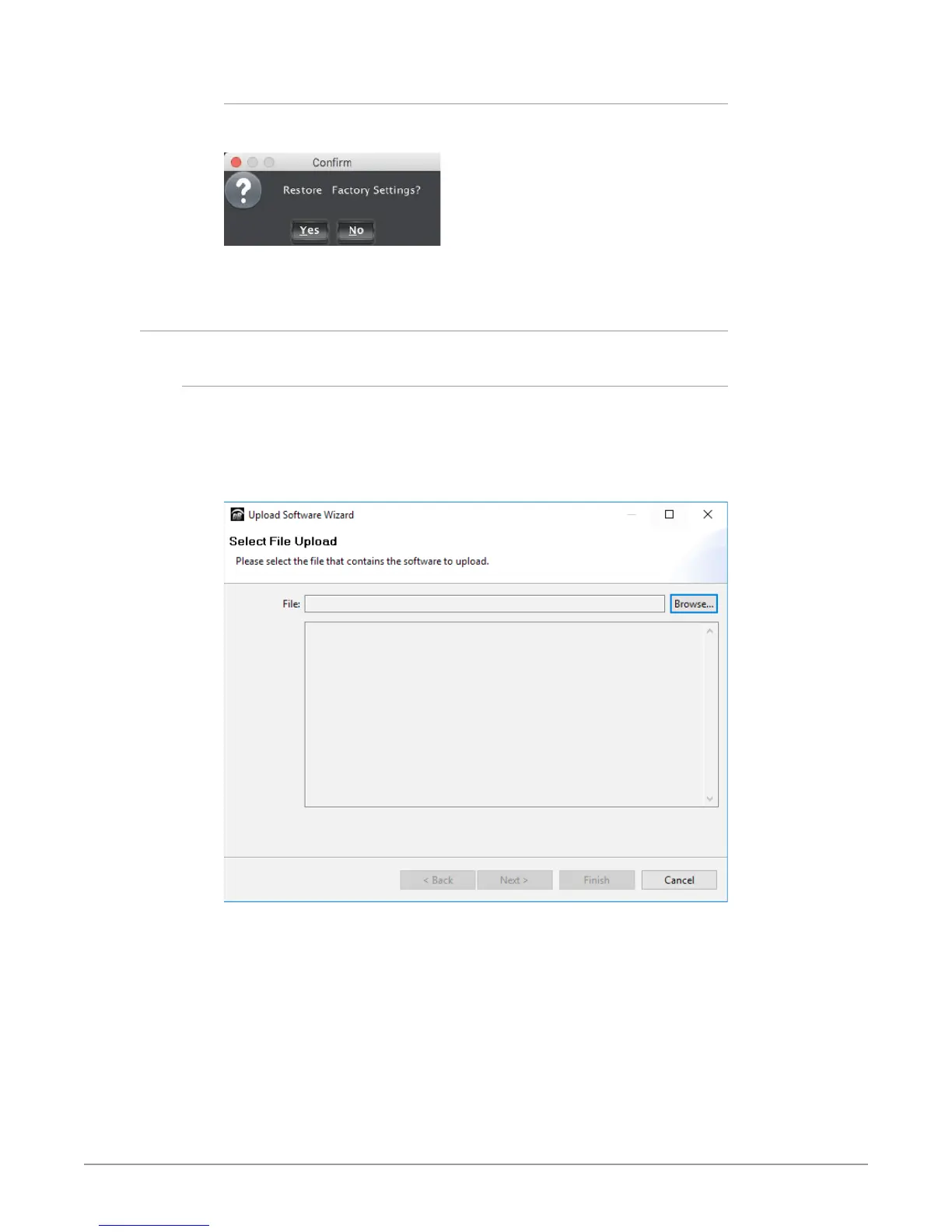
Restore. A confirmation window displays.
Select Yes to restore to factory settings. Select No to cancel.
Upload Screen
To Upload New Software
1. Check the AJA website for new software for your OG-UDC. If new software
is found, download it and uncompress the le archive (zip).
2. Click the Upload button in the lower panel of the DashBoard Control System
to open the Upload Software Wizard.
Figure 21. OG-UDC Upload Software Wizard window in DashBoard
3. From the Upload Software Wizard window, select Browse.
4. Navigate to the location of the downloaded .bin le containing the software
update. Select the .bin le, then select Open. The Upload Software Wizard
window displays characteristics of the selected le for uploading.
5. Click Finish. The Uploading to Selected Devices window displays with a
progress bar.


 To Next Page