EasyManua.ls Logo

Akai AK-9000-F - User Manual

Akai AK-9000-F
20 pages
Print Icon
To Next Page IconTo Next Page
Loading...
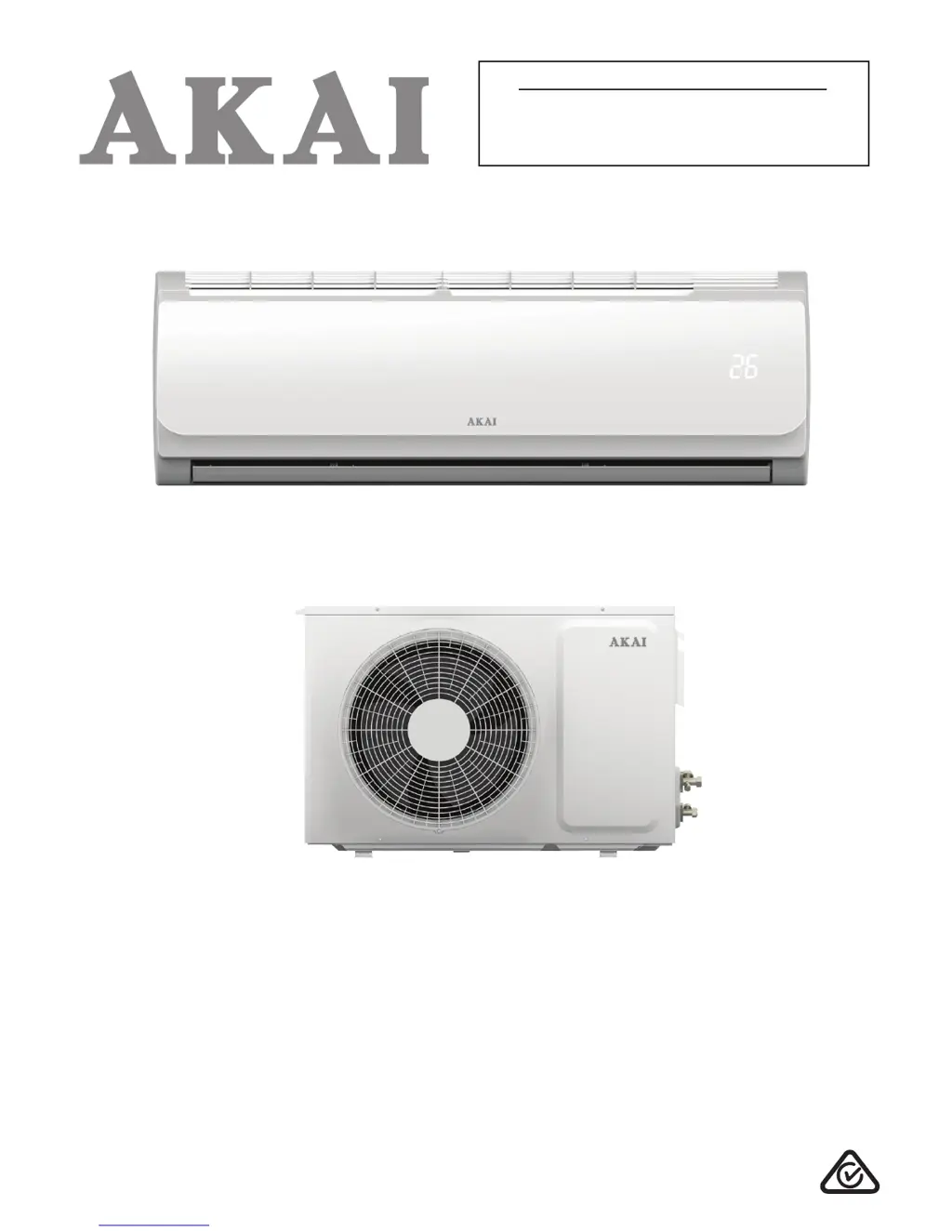
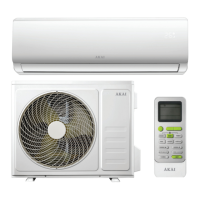
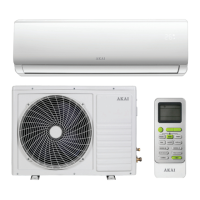
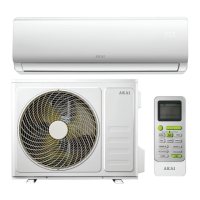
Model Number AK-9000-F
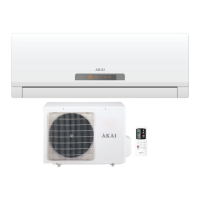
Fixed Speed Reverse Cycle
Split System Air Conditioner
USER MANUAL
PROTECT YOUR WARRANTY
This unit must be installed by a registered,
licensed installer as required by
Government regulations.
N13275

Questions and Answers

  • E
    erikaparkerAug 1, 2025
    Why is my Akai Air Conditioner not cooling well?
    • G
      Gregory MorenoAug 2, 2025
      Poor cooling efficiency in your Akai Air Conditioner can stem from several causes. First, check if the temperature setting is appropriate and adjust the fan speed. Ensure that neither the air intakes nor the outlets are blocked. A dirty air filter can also reduce efficiency, so clean it. Check that the fan speed isn't set too low and increase it if needed. Other heat sources in the room could also be a factor. If none of these resolves the issue, the unit may be low on refrigerant, requiring professional service.
  • D
    Donald BooneAug 12, 2025
    Why is my Akai AK-9000-F remote control unresponsive?
    • S
      Shannon MuellerAug 12, 2025
      If your Akai Air Conditioner remote control isn't working, first ensure you are close enough to the indoor unit. If that doesn't work, replace the remote control batteries. Also, make sure there are no obstructions blocking the signal between the remote and the air conditioner.
  • H
    Henry DayAug 21, 2025
    What to do if my Akai Air Conditioner doesn't work?
    • R
      Robert GalvanAug 21, 2025
      If your Akai Air Conditioner isn't working, start by checking the power supply to ensure it's properly connected. If the timer-on function is activated, cancel it. If these steps don't solve the problem, it could be due to damaged components or voltage issues, in which case you should call for service.

Summary

Important Safety Instructions

Electrical Safety Precautions

Covers voltage, power plug, outlet, cords, water protection, and disconnection procedures for safe electrical operation.

Usage Conditions and Restrictions

Details domestic use, intended purpose, common sense, usage restrictions, children's maintenance, dust filter, cold air exposure, temperatures, and blocking openings.

Cleaning, Servicing, and Repair Safety

Outlines safety for cleaning, servicing, and repair, including power disconnection, plug care, unit cleaning, and professional care.

Product Overview

Indoor Unit Components

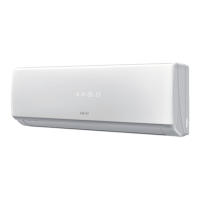
Describes components of the indoor unit like front panel, air filter, LCD display, louvres, and supply cord.

Outdoor Unit Components

Details components of the outdoor unit like drain hose, refrigerant pipes, cut-off valve, and air outlet cover.

Remote Control and LCD Display

Lists and describes remote control buttons and explains the indicators and display elements on its LCD screen.

Getting Started

Before First Use Checks

Provides essential checks before operation: installation, earth wire, bracket, filter condition, and air outlet/inlet clearance.

Operating Temperature Guidelines

Details the air conditioner's working temperature range for cooling and heating modes, specifying indoor and outdoor operational limits.

Remote Control Operation Guide

Guides on inserting batteries, battery precautions, and effective remote control usage, including aiming and avoiding heat/sunlight.

Instructions

Basic Controls: ON;OFF, SPEED, STRONG

Explains the operation of ON/OFF, SPEED for fan speed, and STRONG for high cooling/heating levels.

Advanced Features: FEEL and TIMER

Details the FEEL button for temperature sensing and the TIMER button for programming automatic start/stop times.

CLEAN and MODE Button Functions

Covers the CLEAN button for evaporator drying and the MODE button for selecting operation modes (Auto, Cool, Dry, Heat, Fan).

Comfort Modes: SLEEP, SWING, ANTI-MOULD

Describes SLEEP mode for gradual temperature adjustment, SWING for airflow direction, and ANTI-MOULD for preventing odour.

Operational Modes: Auto, Cooling, Heating

Explains the specific operations of Automatic, Cooling, and Heating modes, including temperature and fan speed settings.

Operational Modes: Fan and Drying

Details the operations of Fan mode for ventilation only and Drying mode for reducing humidity.

Manual Operation and Airflow Adjustment

Guides on manual unit start/stop using the AUTO button and adjusting airflow direction manually.

Troubleshooting Guide

Unit Not Working or Unresponsive Remote

Addresses issues like the air conditioner not working, unresponsive remote control, and potential causes/solutions.

Efficiency and Odour Issues

Provides solutions for poor cooling/heating efficiency, slow restarting, and strange odours from the outlet.

Noise and Mist Observations

Explains normal noise and mist occurrences during operation and their causes, distinguishing them from service-required issues.

Critical Service Requirements

Lists critical faults requiring immediate shutdown and professional service, such as fuse breaks, liquid spills, or hot wiring.

Cleaning and Maintenance

Cleaning the Indoor Unit

Provides instructions on cleaning the indoor unit with a dry or damp cloth, with cautions on water temperature and cleaning agents.

Cleaning the Air Filters

Details the process of removing, cleaning (vacuuming or washing), drying, and reinserting air filters.

End of Season Maintenance

Outlines steps for end-of-season care, including running Fan mode, removing batteries, and cleaning filters.

Akai AK-9000-F Specifications

General IconGeneral
BrandAkai
ModelAK-9000-F
CategoryAir Conditioner
LanguageEnglish

Related product manuals