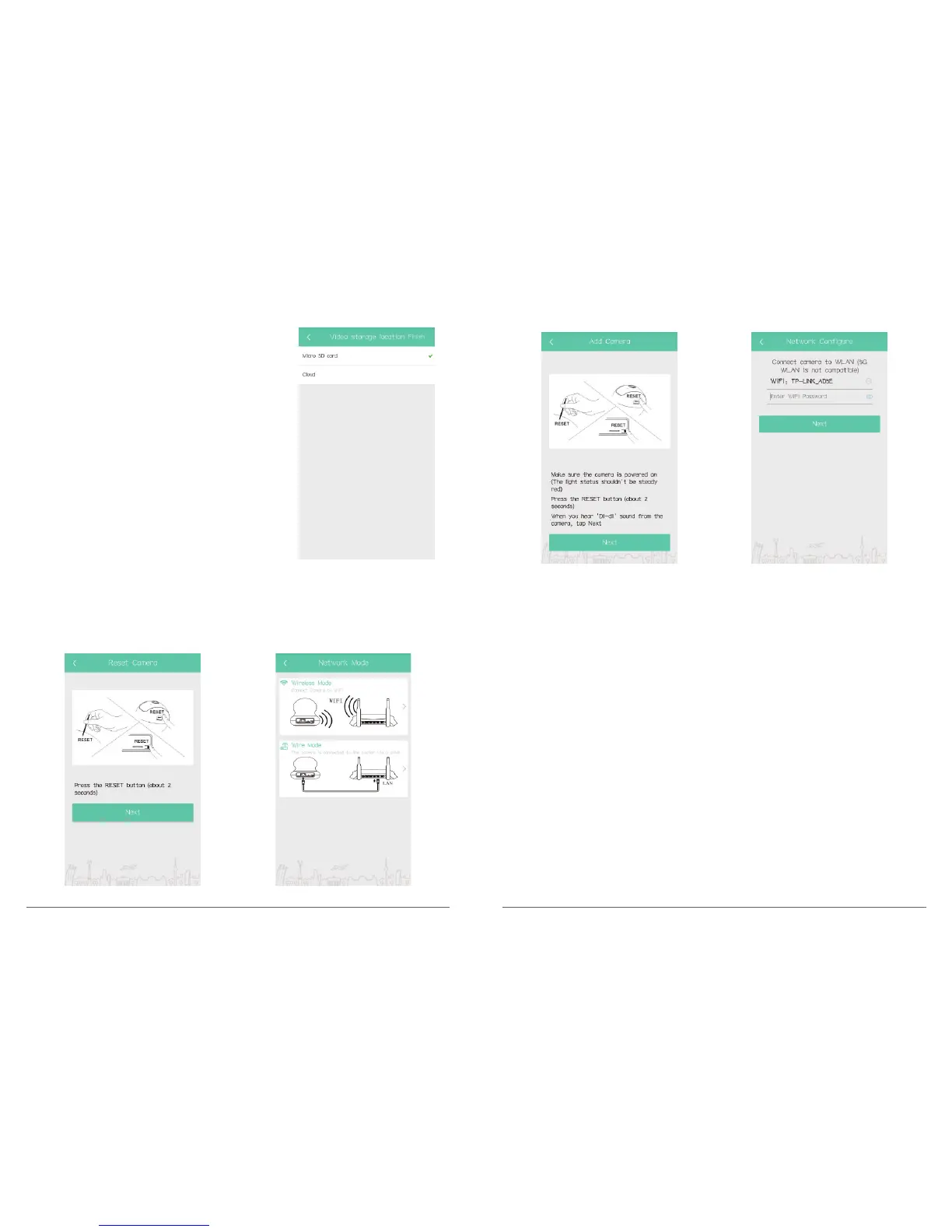
Video Storage Location: Select video storage location,
Micro SD Card and Cloud for optional.
After finishing the setting, click “OK” to save and exit.
Change router: Change the wifi network of camera connecting to another WiFi route.
In Camera Setting interface, click” Change router”, press the RESET button on camera
about 2 seconds, then click “Next → Wireless mode”, when the camera’s red light is
blinking, click “Next” to configure WIFI, input WIFI password to finish connecting.
Camera information: View camera information, such as Camera mode, Firmware version,
MAC address.
Memory card information: Check SD card status, total capacity and format the card,
please refer to part 4.
Firmware upgrade: Check the latest firmware.
Reboot camera: Reboot the camera remotely.
Refresh setting information: Refresh the setting information of camera.
Delete the camera: Delete the camera from this APP.
23 24



 To Next Page