Function Overview
Screen Mode
Icons
◎ Video Mode
After powering on, the camera will enter video mode. Front and rear view will be
shown and recorded.
◎ Mirror Mode
You can use it as a rear-view mirror by turning off the LCD screen.
※ If you press the power button shortly, the screen will out off but continually
recording.
※ If the screen saver setting is "1 minute" or "2 minutes", the LCD screen will
automatically turn off after 1 minute or 2 minutes according to the setting
.
① ② ③
⑤
④
① Recording: start/end of recording for optional.
② Photo: when recording videos, click this icon to save the photo.
③ File Playback: switch back to playback mode.
④ Setup: click this icon to enter setting.
⑤ Display Mode: four display modes for optional.
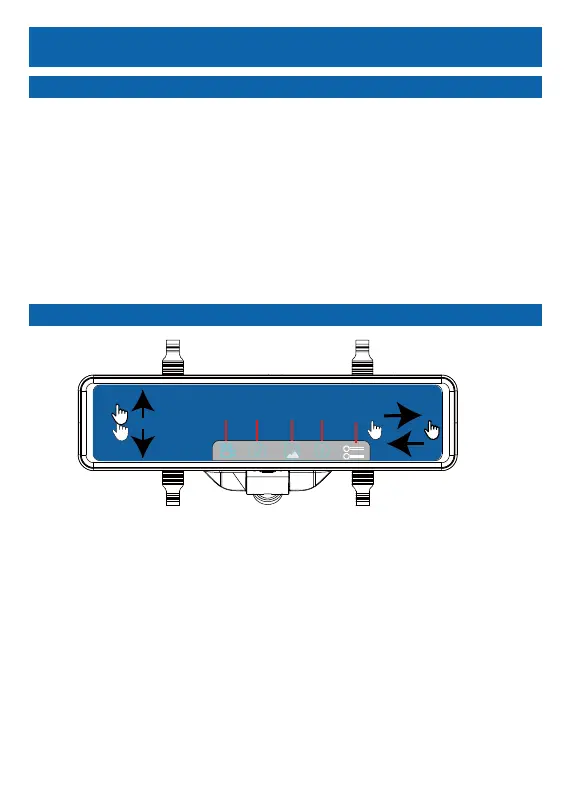
⑥ Swipe left/right on the right part of the touchscreen to adjust the
display brightness.
⑦ Swipe upward/downward on the lift part of the touchscreen to see
len’s full field of view.
21



 To Next Page