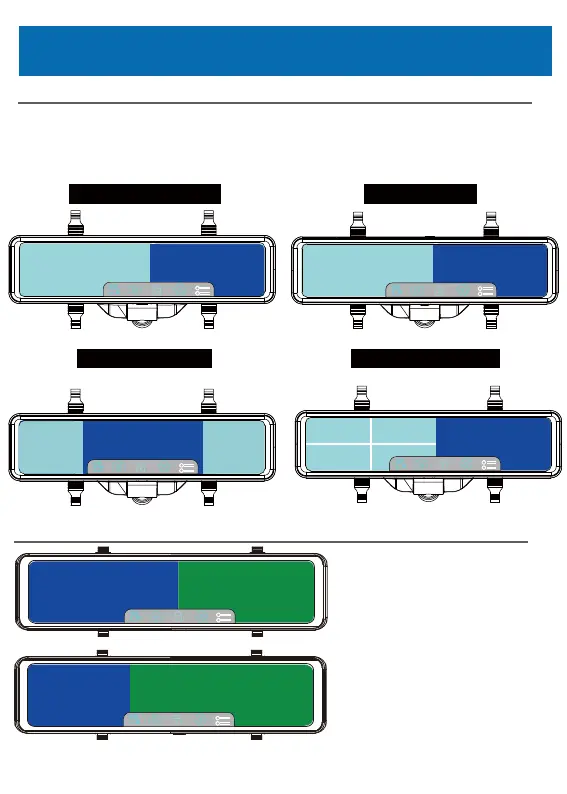
Display Mode
WideAngleMode
Front
Rear
Front Rear
360°Mode
Rear
Forntleft Frontright
BlindSpotMode Multi-windowmode
Rear
Frontleft Frontright
Frontleftrear Frontrightrear
Side Camera & Without side camera
● By double-clicking the rear image part, the rear image is displayed in full screen.
※ The front image cannot be displayed on the full screen.
● You can rotate the angle of the front image by swiping your finger left/right,
except wide mode.
Side Camera
Side Camera
Rear Camera
Rear Camera
Side Camera Rear Camera
Side camera, rear camera, two cameras
are displayed at the same time
Side camera, rear camera.
The side camera occupies 1/3,
the rear camera occupies 2/3
Simultaneous display.
Side Camera
24



 To Next Page