20200402022628A.ts
20200402022628A.jpeg
20200402022630B.jpeg
20200402022630A.jpeg
20200402022628B.jpeg
20200402022628A.jpeg
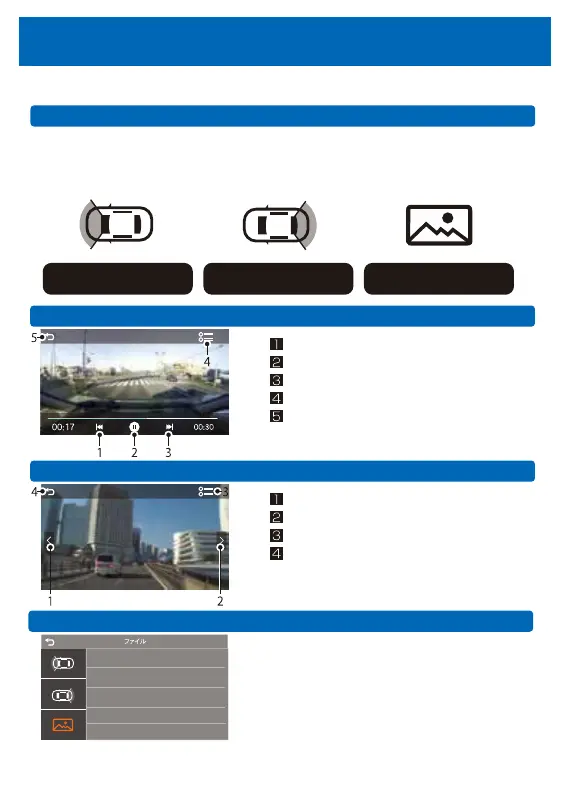
Play mode (file play/delete)
The captured moving images or still image files can be played on this machine.
File selection
•Touch the monitor screen to display the menu bar, and display the file management menu.
•Choose the type of camera to shoot (see the picture below).
•Touch the displayed file.
Front camera (video)
Rear camera (video) Front camera (still image)
Video playback screen
Play previous video
Play / Pause
Play next video
Screen display/Menu display
Screen display/Menu display
Return to the previous screen
Return to the previous screen
Still image display screen
Show previous still image
Show next still image
List of files saved on SD card.
※You can select the file taht you want to delete.
※ If you want to delete all the files at once, format
the card.
Delete video/still image
25



 To Next Page