Recording Mode
15s 15s
15s 15s 15s 15s
15s
continue
recording
• • •
Accident
The 15-second video up to just before the accident + the 15-second video after the
accident is detected will be saved as a 1-unit file (30 seconds in total).
Parking Mode
※A dedicated katallobar can be used to activate parking
monitoring (OP sold separately).
Note:
① One minute after the engine is turned off, the parking
monitoring mode starts and the system goes into sleep mode.
② When a collision is detected during parking, the parking mode
is activated and the image is taken for about 30 seconds.
● Power Off
When the engine is stopped, the word "ByeBye" is displayed on the screen
and a sound is also heard, then the power turns off.
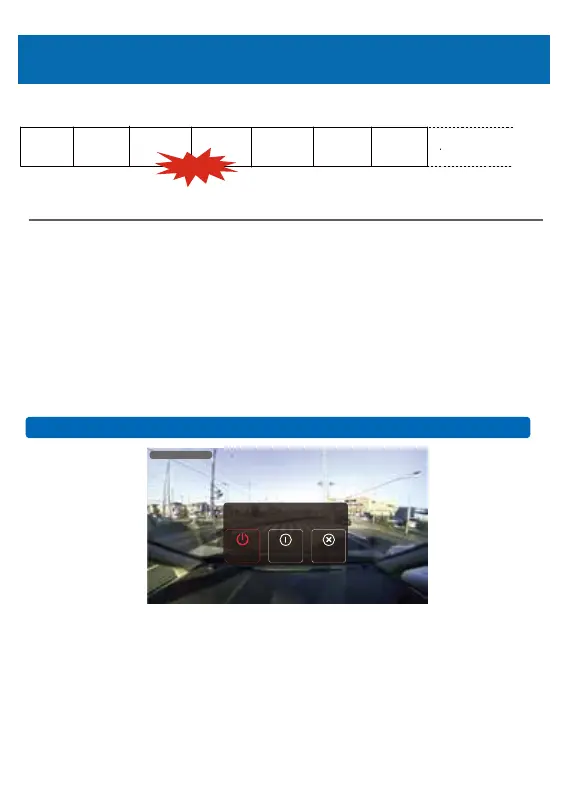
● Manual Operation
If you press the power button for about 3 seconds,
the above image will be displayed. Power off and parking monitoring
mode for optional.
Power On/Off
r
23
Cance
Parking
monitoring
PowerOff
Pleasechoose
2020-04-0201:28:38



 To Next Page