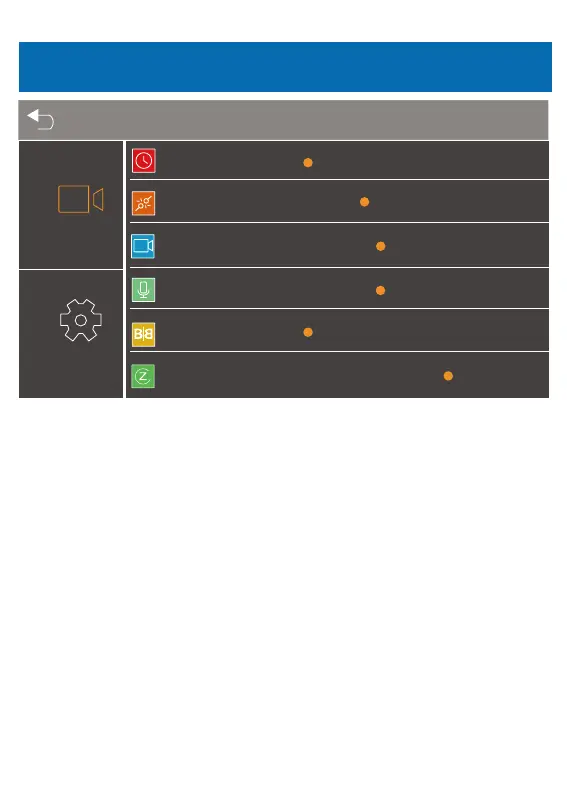
Looprecording
G-sensorsensitivity
Frequency
Recordaudio
Rearcamera
Screensaver
○1min
○LOW
○5min○2min
○HIGH
○MIDDLE
○50Hz ○60Hz
○ON ○OFF
○Mirror
○OFF
○Normal
○1min ○Always○2min
● Loop recording
You can choose 1min/2min/5min as the continuous recording time.
● G-sensor sensitivity
Off / Low / Meddle / High for optional.
※“Off” means the G-sensor will not start.
In “High” mode, it is easy to detect a collision.
In “low” mode, it is difficult to detect collision
● Frequency
50/60 HZ optional
● Record audio: ON/OFF for optional
Recording audio means when recording videos, the audio is being simultaneously
recorded.
● Rear camera
Mirror/Normal image for optional.
● Screen saver
Always / 1 minute /2 minutes for optional.
※ In “Always” mode, the LCD screen always lit.
※ After turning off, the screen will reduce power consumption, the camera still
work and record under the display off.
Setting
Menu Setting
28



 To Next Page