Language
Sound
HUDmode
HUDspeed
System
Version
○Japanese
○Low
○Chinese○English
○High○Middle
○Speed+
Direction+Date
○Speed
○km/h
○mph
○Date
AKY-V360SV1.020200402
○OFF
Format
Reset
2020−04−02
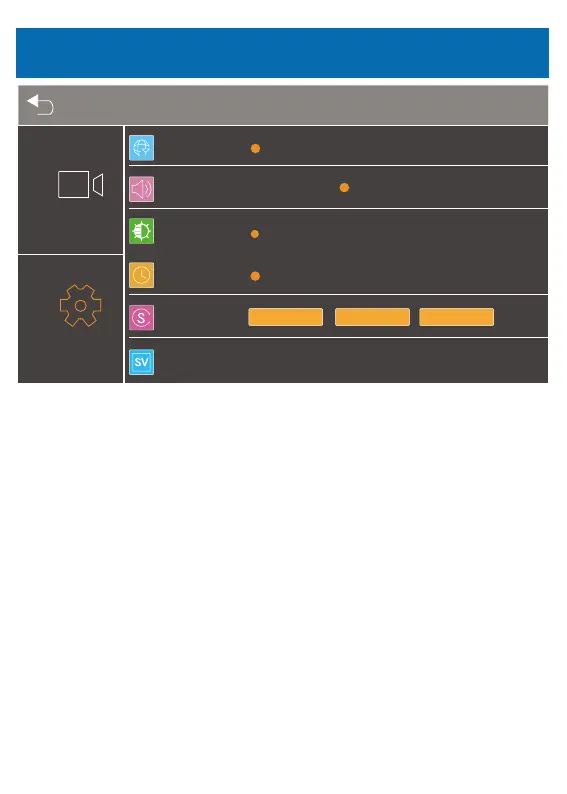
● Language
Chinese/ Japanese/English for optional
● Sound
low/middle/high for optional
● HUD mode
Select the information displayed in the upper right corner of the LCD screen.
●HUD speed
Km/h and mph for optional
● System
Format the microSD card.
※ All data will be deleted. Before formatting your microSD card, please
remember to backup your important data on your other devices.
Default: Restore factory default settings.
Date and time setting: Set the date and time.
● Version
Shows the product version.
Setting
Menu Setting
29



 To Next Page