3.1 Putting the
Microphone on
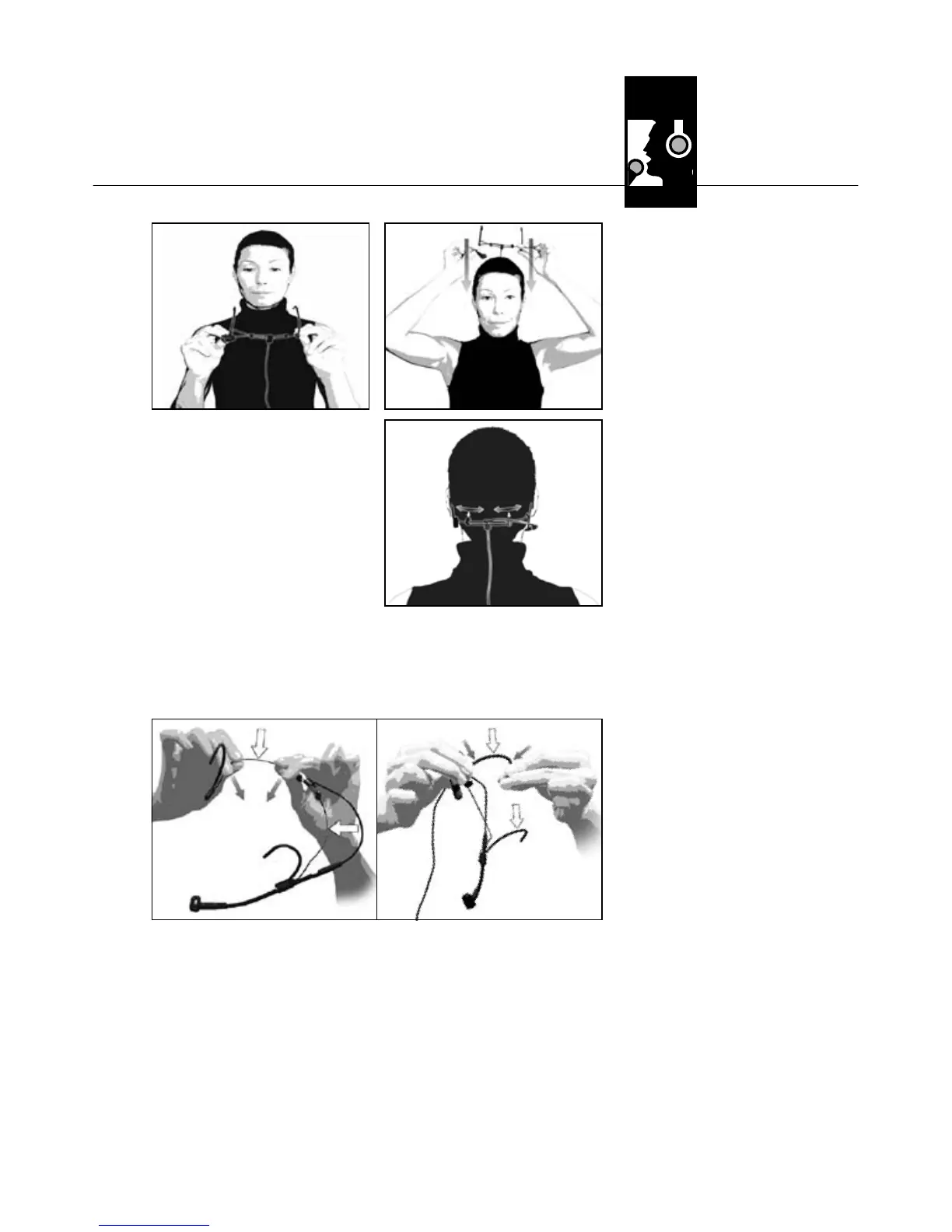
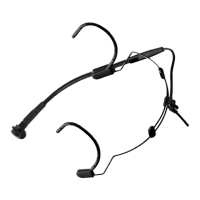
Figs. 3 to 5: Putting
on and tightening
the headband.
Fig. 6: Bending the
headband and
temple pieces
to fit.
Refer to fig. 6.
1. Put the behind-the-
neck headband on
as shown in figs. 3
through 5.
2. Should the microphone fit loosely, you may
bend the behind-the-neck headband and the
temple pieces inward:
• Hold the headband or temple piece firmly at
the points marked in fig. 6 and bend inward
with extreme care.
• Check whether the microphone fits better. If it
does not, bend the wire some more, again with
extreme care.
3 Using Your Microphone
AKG C 520/C 520 L
17
34
5


 To Next Page