Important!
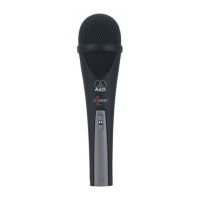
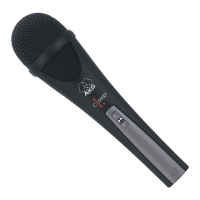
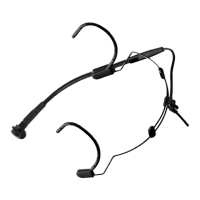
4.1 Microphone
Surface
4.2 Windscreen
• Never try to shift the gooseneck inside the
holder. This would damage the gooseneck
and/or holder.
• To clean the microphone surface, use a soft
cloth moistened with water.
• Clean the foam windscreen in mild soap suds.
You can use the windscreen again as soon as it
has dried.
3 Using Your Microphone
AKG C 520/C 520 L
19
L
!
4 Cleaning


 To Next Page