ATTENTION
To avoid damage or electric shock, mount the microphone on a suitable stand and
make all audio connections before connecting the Remote Control Unit to power.
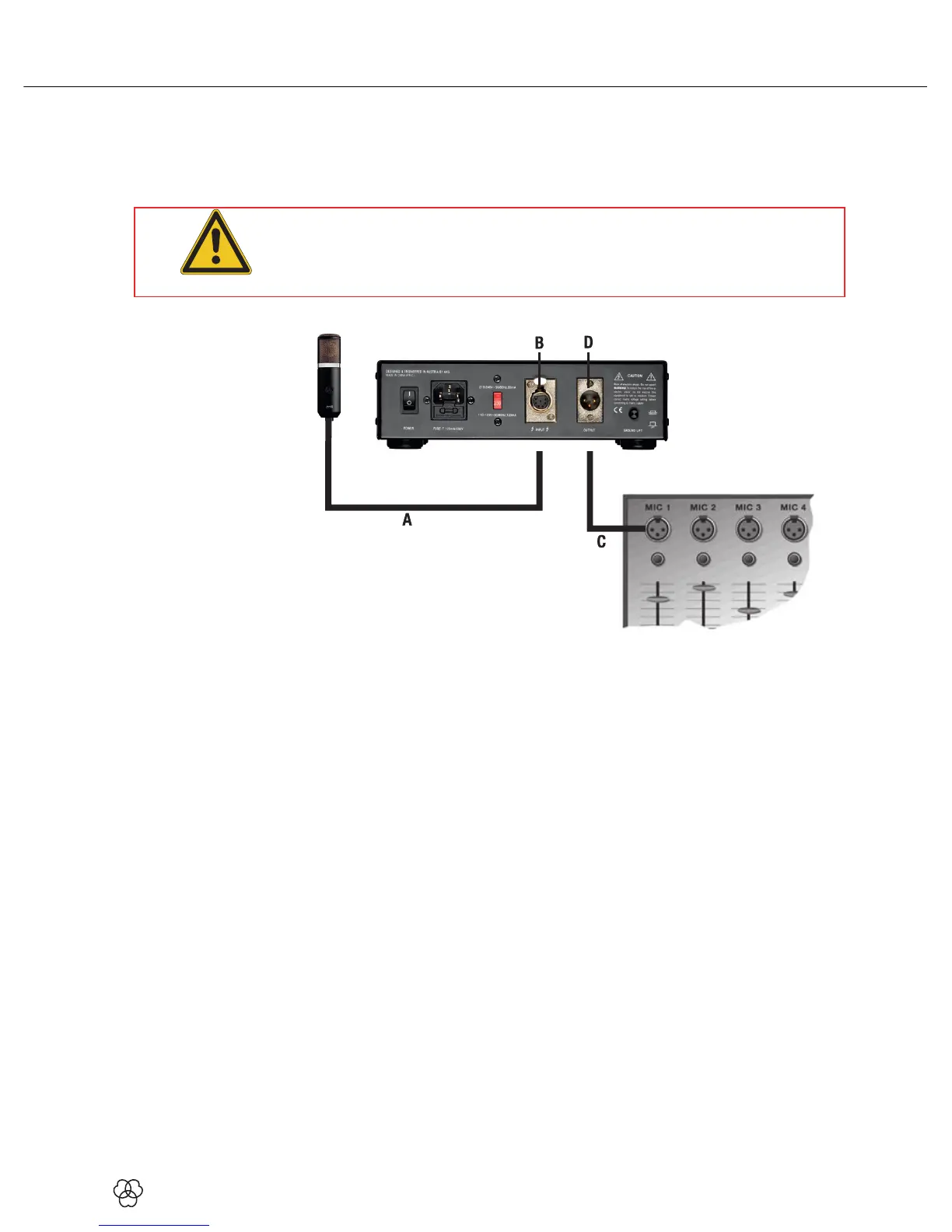
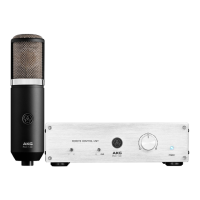
Figure 3: Connecting the microphone to the Remote Control Unit and mixer
1) Use the supplied audio/control cable (A) to connect the microphone output
to the INPUT connector(B) on the Remote Control Unit rear panel.
2) Use a standard balanced XLR cable (C) (optional) to connect the OUTPUT
connector (D) on the Remote Control Unit rear panel to the desired
microphone input on your mixer.
3 Connecting to Audio Equipment
Connecting the
Microphone


 To Next Page