11
2) Select [+] or [-] key
3) Press [Mode changeover] key to return to standby state.
Adjusting For Error In Card Size
The Cardmac Pro allows for adjustments in cut card size, by adjusting the Mark ■ posit comp, First cut comp, card
length, and gutter comp, separately.
1. Mark ■ position compensation (When Way of Detection is by ■)
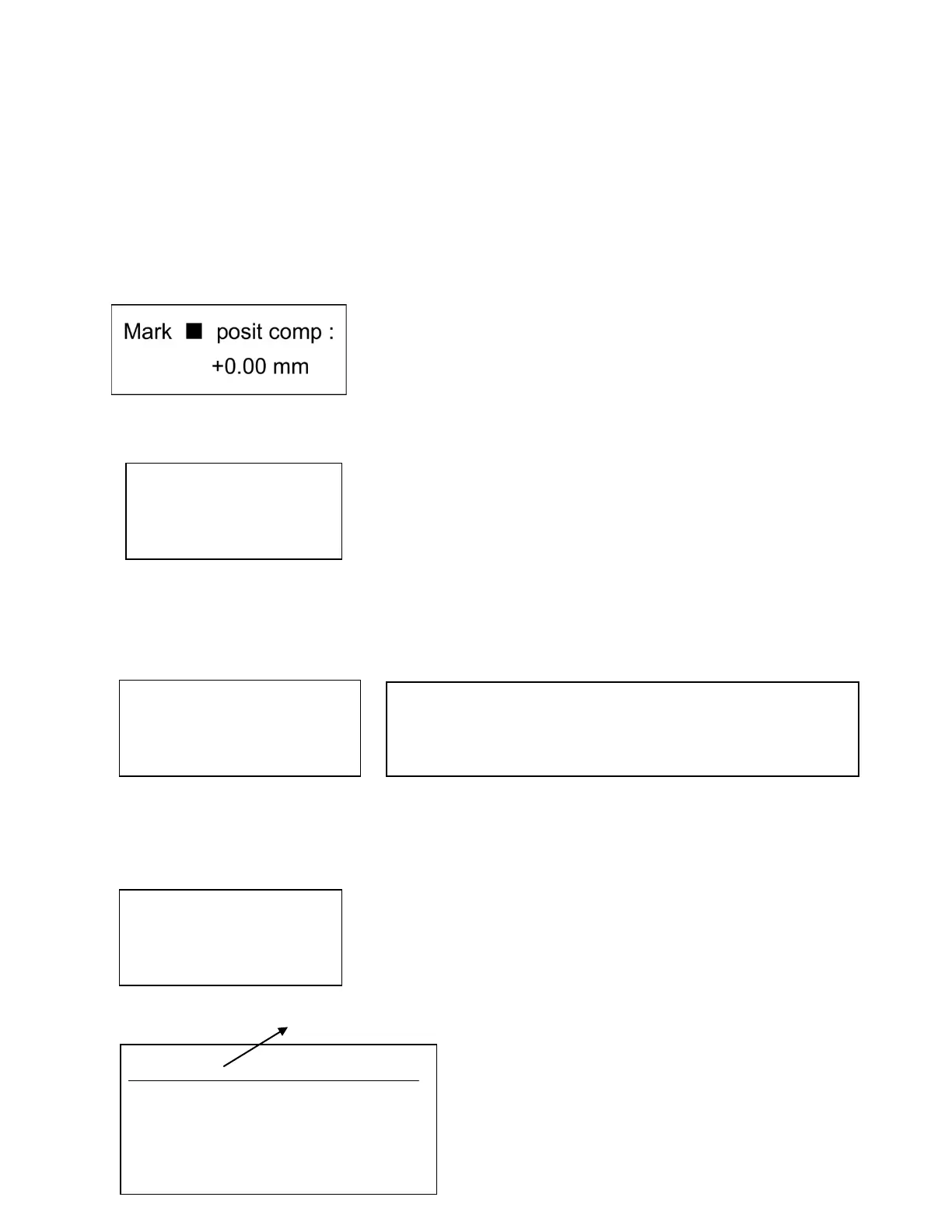
a. When [Set Parameters] key is pressed four times, the LCD panel will show:
b. Select it via [+] or [-] keys (Select from -2.0mm to +2.0mm)
2. First Cutting Compensation (When Way of Detection is by Frontal End))
a. When [Set Parameters] key is pressed five times, the LCD panel will show:
b. Select it via [+] or [-] keys (Select from -12.0mm to +12.00mm)
c. Press the [Mode changeover] key to return to the standby state.
3. Card Length Compensation (When adjusting for length discrepancy between card size and actual cut card)
a. When [Set Parameter] key is pressed six times, the LCD panel will show:
b. Select it via [+] or [-] keys (Select from -2.0mm to +2.0mm)
c. Press the [Mode changeover] key to return to the standby state.
4. Gutter Compensation (When content of the card is cut high or low)
a. When [Set Parameter] key is pressed seven times, the LCD panel will show:
b. When the cut card appears as follows, select [+] key (Select from -2.0mm to +2.0mm)
Visible Edge
+0.00mm
-0.019
+0.000
Content
Note: Each machine is fine-tuned at factory with unique factory
settings (i.e., Card Length Comp may say -.023, Gutter Length may
say +0.011) upon opening new machine). We suggest that you note
down your settings on this manual and refer back as needed.



 To Next Page