14
7) Adjust it via [+] or [-] key.
8) Press the [Mode Changeover] key to return to the standby state.
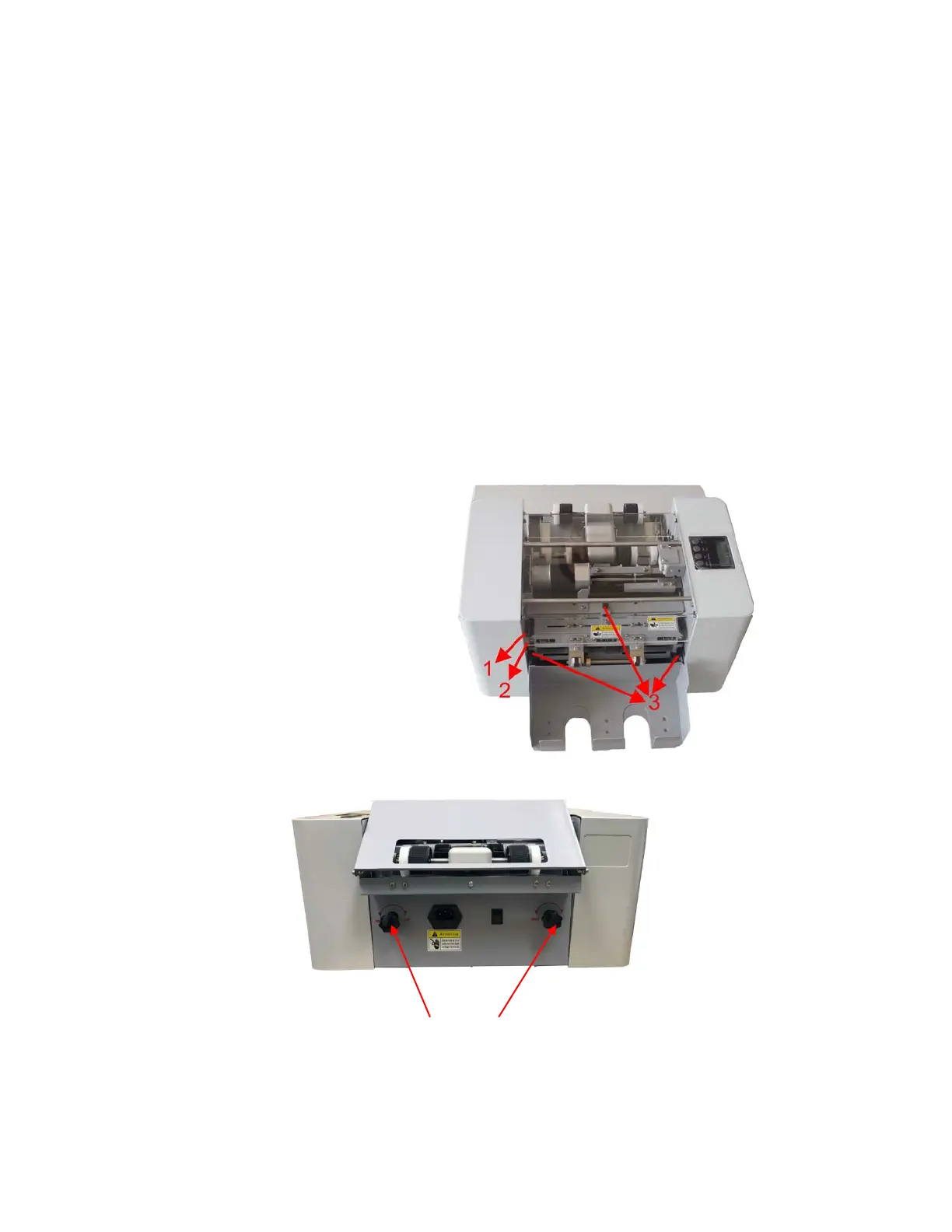
Unloading the Rotary Blade Assembly
WARNING! Make sure power is off before attempting
WARNING! Never touch the blades, to avoid injury.
1) Turn off Power Switch
2) Remove the top cover.
3) Remove 3 thumb screws on the assembly
4) Take the assembly out from the left side of the case by way of the oblong hole.
Loading the Rotary Blade Assembly
5) Put the assembly through the oblong hole of the case and mount neatly, making sure the gears are
matched.
6) Fix the 3 thumb screws.
7) Put on the top cover.
8) Turn the power on. If there is an abnormal sound, turn off power and try again.
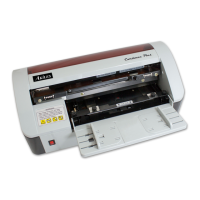
Adjusting to Cut Different Thickness Paper
2) Gears
3) Thumb Screws



 To Next Page