1652H311 Ed.03
13
Initial configuration
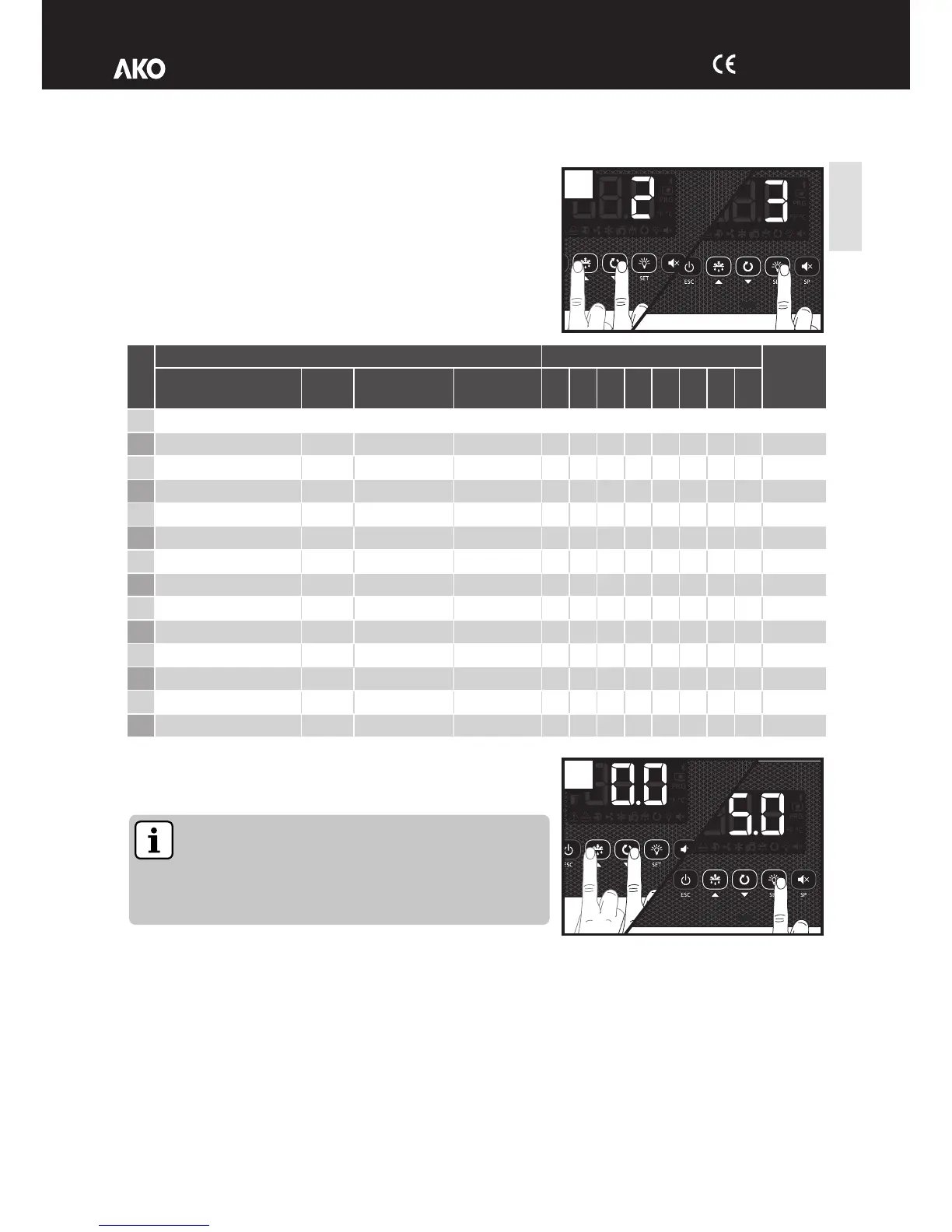
The first time the unit receives the power supply, it will enter into
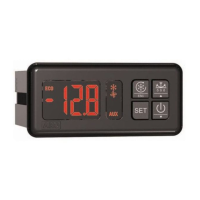
ASSISTANT mode. The display will show the message In{ flashing with 0.
Step 1:
Select the most suitable InI option based on the type of installation to be
carried out and press SET. The available options will be shown in the
following table:
Step 2:
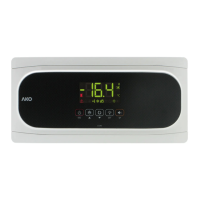
Use keys N and Q to enter the desired Set Point value and press SET.
The wizard has finished. The unit will begin to regulate the temperature.
The wizard will not reactivate. To reactivate it, activate Stand-
By mode by pressing the m key for 3 seconds and wait until
the unit completely halts regulation (The m indicator will light
up permanently) and press keys N, Q and SET in sequence.
N, Q, SET.
If this is not the first time you initiate the wizard, after completing the last
step the display will show the message dFp (parameters per defect). You may choose between two options:
0: Only changing the parameters which affect the wizard. The other parameters will remain the same.
1: All parameters return to their factory setting except those which have been modified by the wizard.


 To Next Page